Start with a simple calculation
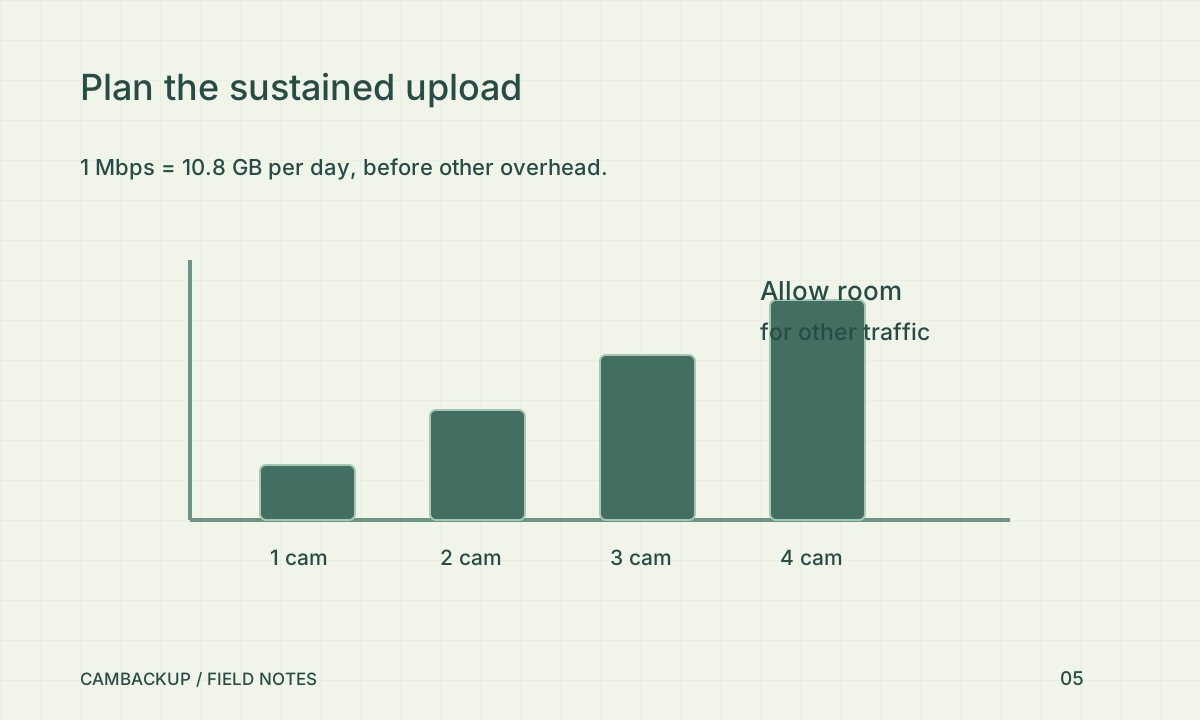
One megabit per second sustained for a day is 10.8 decimal gigabytes: 1,000,000 bits × 86,400 seconds ÷ 8. A 1,024 kbps video stream is about 11.06 GB, or 10.3 GiB, per day before audio and other overhead. Four such streams require roughly 4.1 Mbps of video upload continuously. These are arithmetic estimates for an average bitrate, not measurements of your camera or a promise about storage use.
Leave room for changing scenes
Axis’s bitrate-control paper describes the relationship between bitrate behaviour and storage planning. A quiet view and a moving, noisy night scene can have different demands. Observe normal busy periods and darkness, not just the installation screen. Allow room for network overhead and other users rather than planning right up to the best speed-test result. If your internet service has a data cap, check that allowance too.
Check both sides of a gateway
The CamBackup LAN gateway changes how a compatible local source reaches the cloud; it does not make the video disappear from the upload budget. The gateway device also needs enough processing capacity and stable power for its workload. When a feed stutters, compare local playback, gateway health and the cloud timeline to find where the interruption begins. Do not fix a local Wi-Fi problem by repeatedly increasing cloud output quality.
Tune for the detail you need
Try a supported substream or lower output setting, then export a moving test scene and judge the result. Keep important identifying detail in mind when reducing quality. CamBackup’s plan limits and camera capture policy both matter; a retention ceiling is not an unlimited storage promise. Record a before-and-after usage observation and recheck at night. A setting change is successful when the connection remains steady and the saved footage still answers your security question.
Sources & further reading
Sources reviewed . This article is part of the guide collection published together in October 2026. CamBackup workflow advice is our own; external guidance may change. Local privacy, employment and evidence rules depend on your situation.
Follow our step-by-step setup guides, check supported features and limits, or ask a setup question.