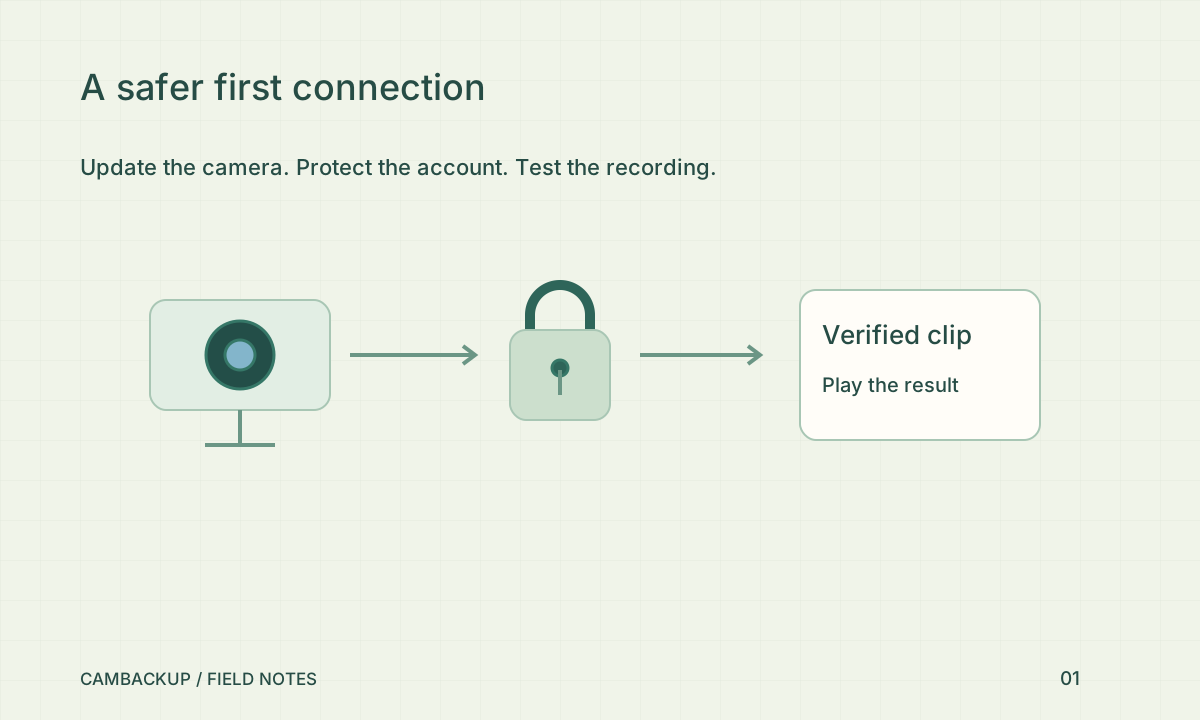
Before the first stream: a safer camera setup
Finish setup by watching a newly saved segment, not just a live picture.
Read the guide Before the first stream: a safer camera setup →The CamBackup journal
Practical guides to camera setup, off-site recording, privacy and retrieving a clip when you need it.
These 20 guides were published together on . Each includes practical checks and links to the sources used. Earlier articles remain available below.
Finish setup by watching a newly saved segment, not just a live picture.
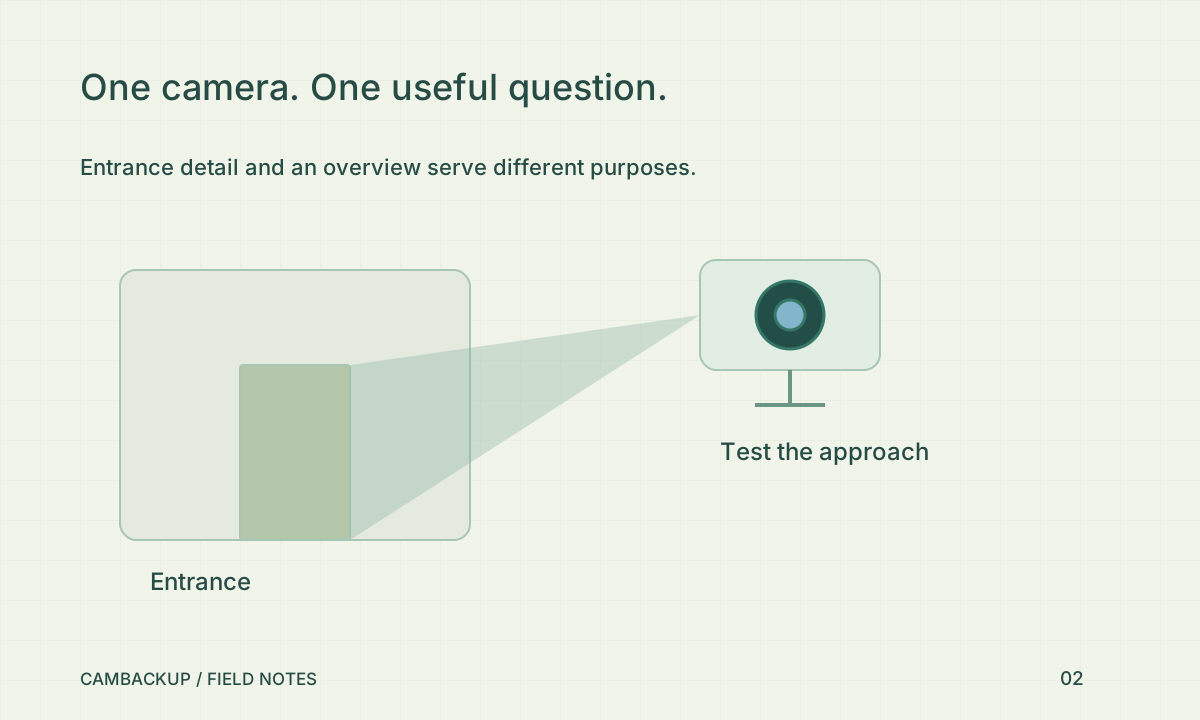
Read the guide Before the first stream: a safer camera setup →A useful entrance view usually matters more than an impressive wide shot.
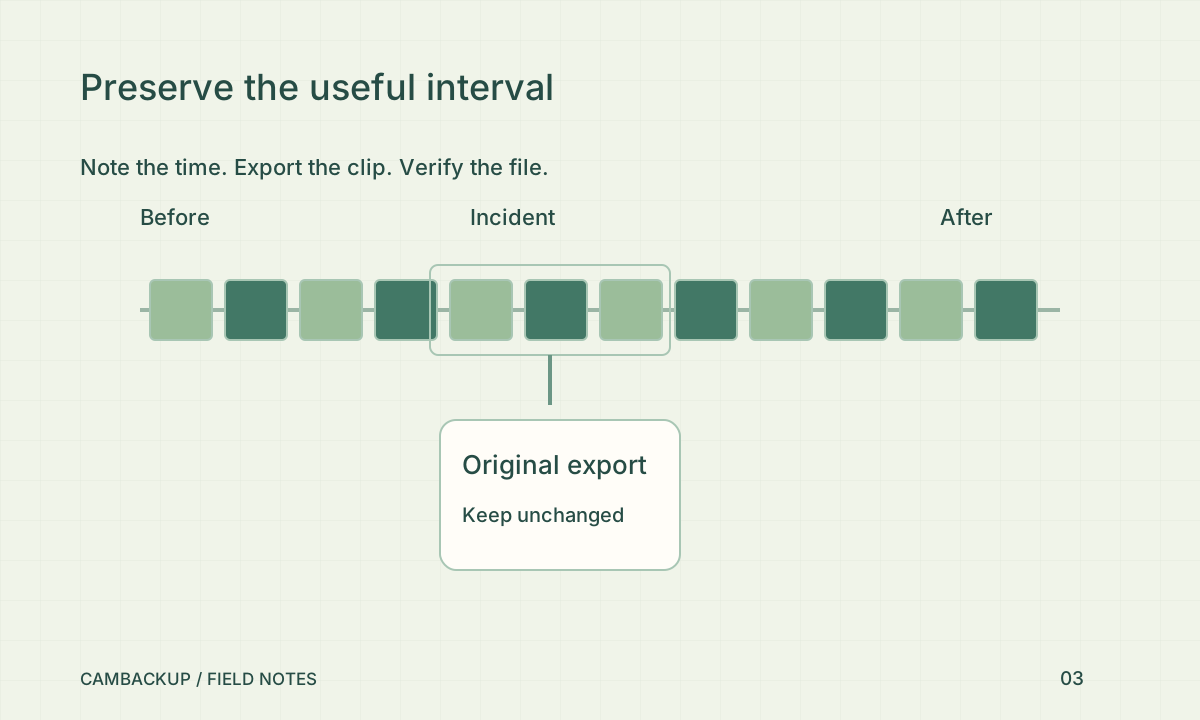
Read the guide Place a camera to answer a question →Verify the downloaded file, retain the original and document time uncertainty.
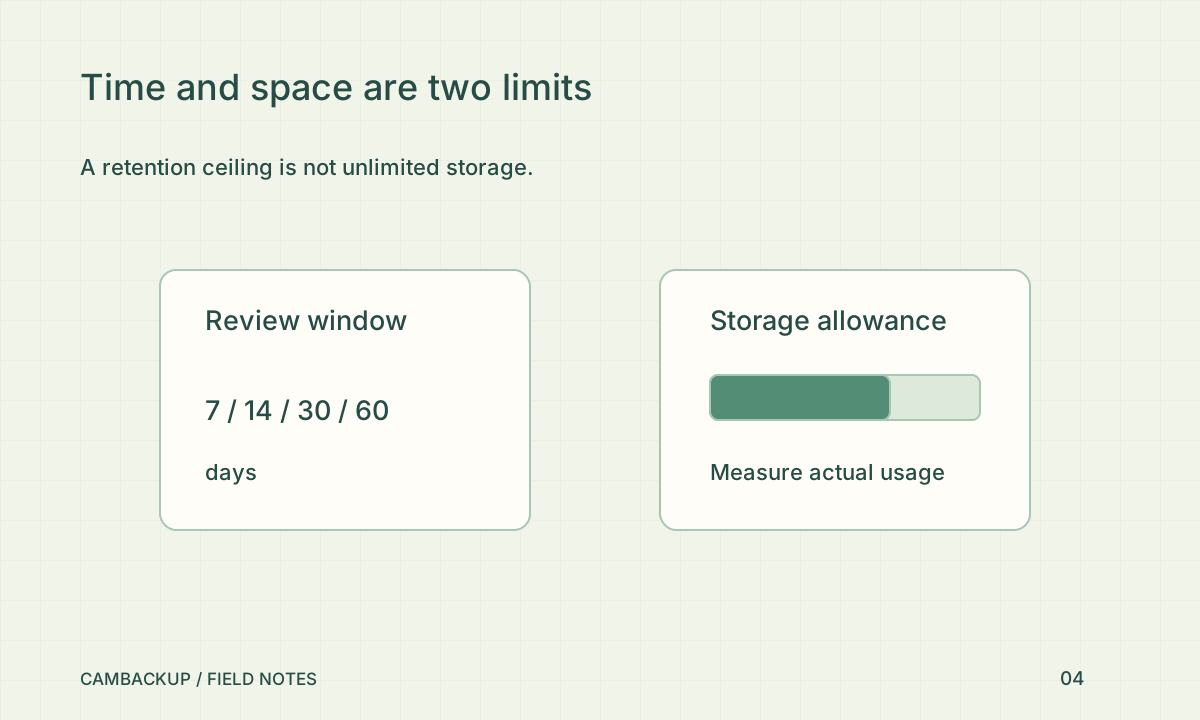
Read the guide An incident happened. Preserve the useful footage. →Buy time for a defined review process, then verify the storage budget can support it.
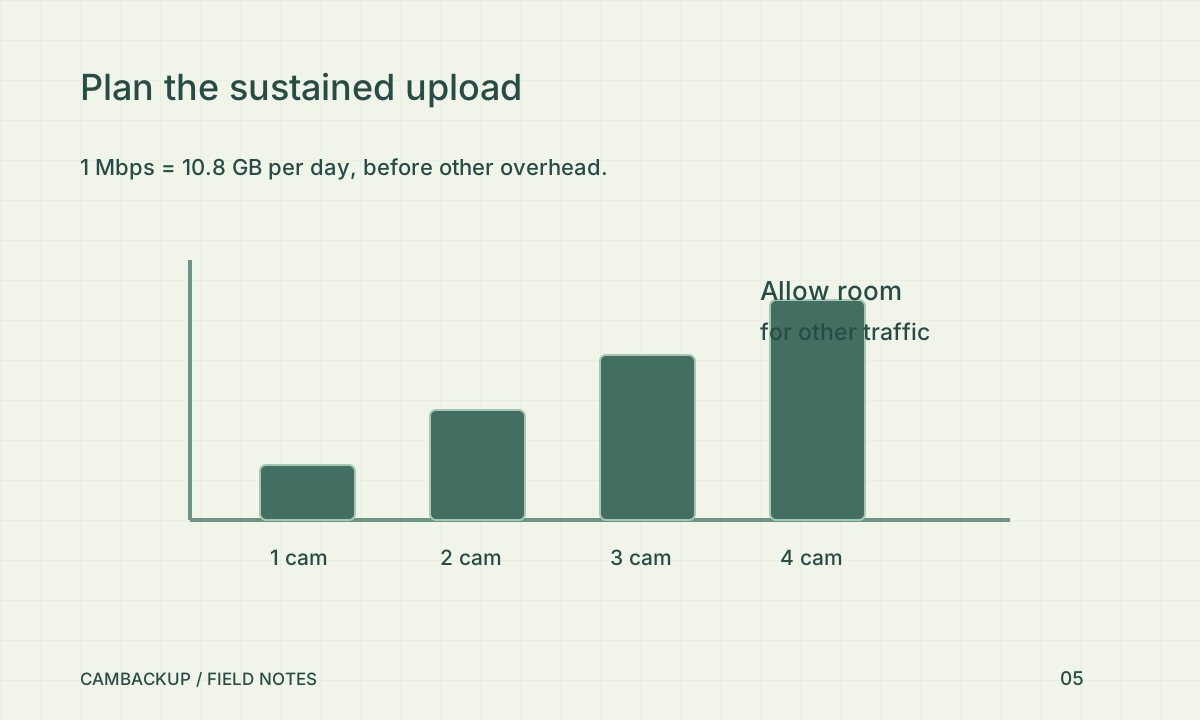
Read the guide Choose retention around a real review window →Plan for sustained upload, scene changes and other traffic—not only a speed-test peak.
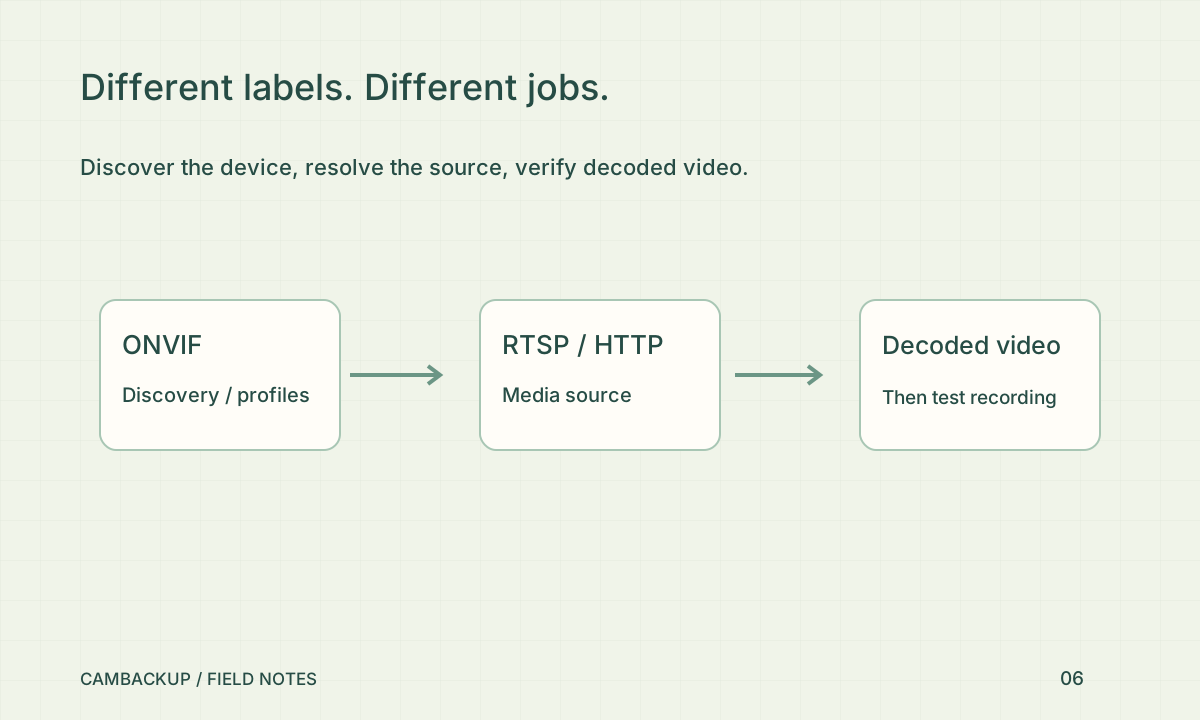
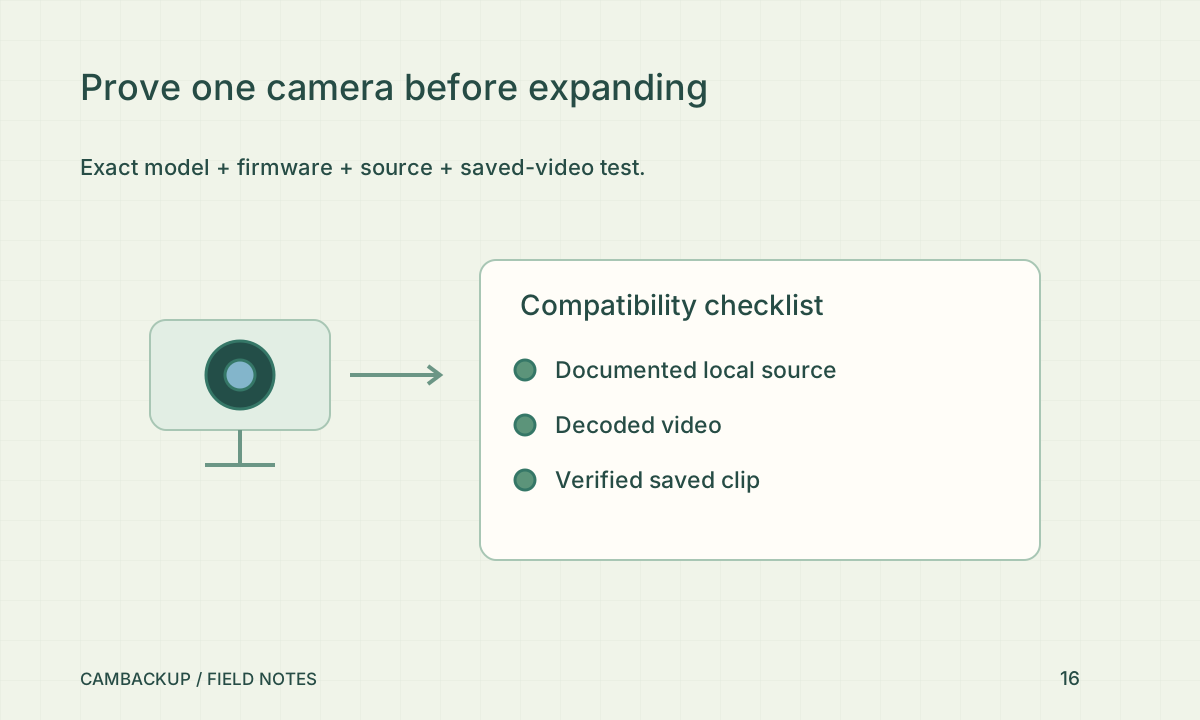
Read the guide Camera bandwidth: work out the upload before you install →Verify the exact model, source format and decoded result as separate checks.
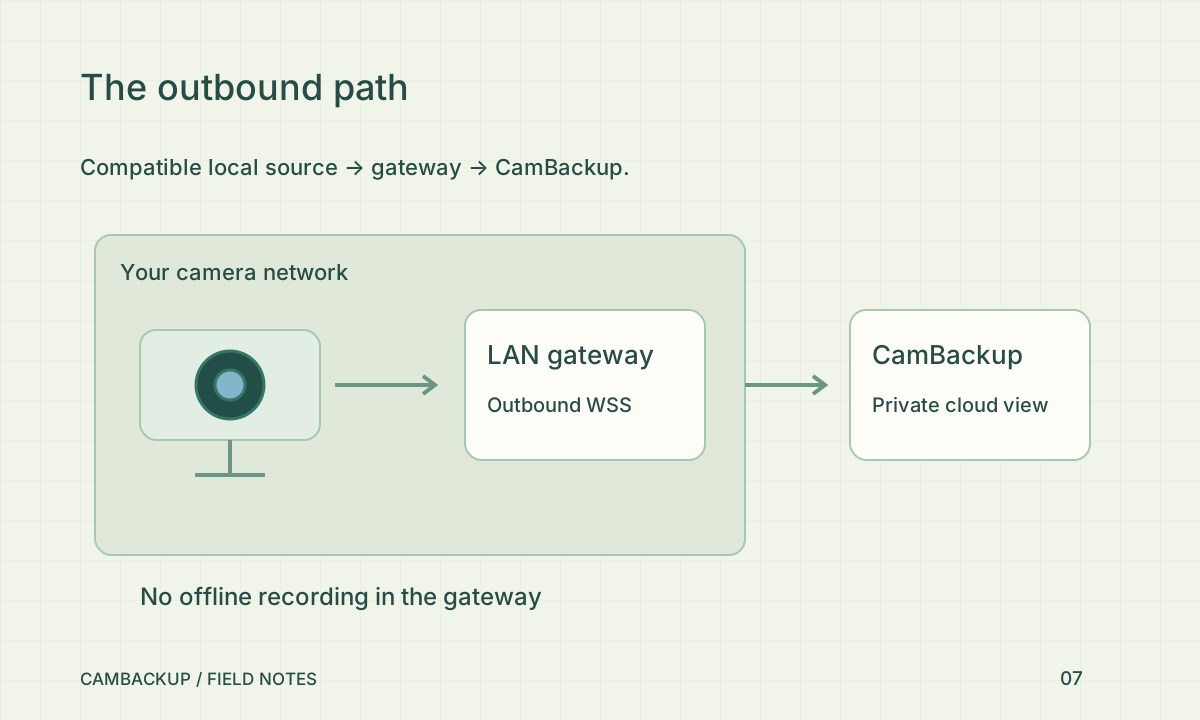
Read the guide RTSP, ONVIF and HTTP: three labels, different jobs →The gateway can relay compatible feeds and optionally keep local clips. Local clips do not backfill cloud recording.
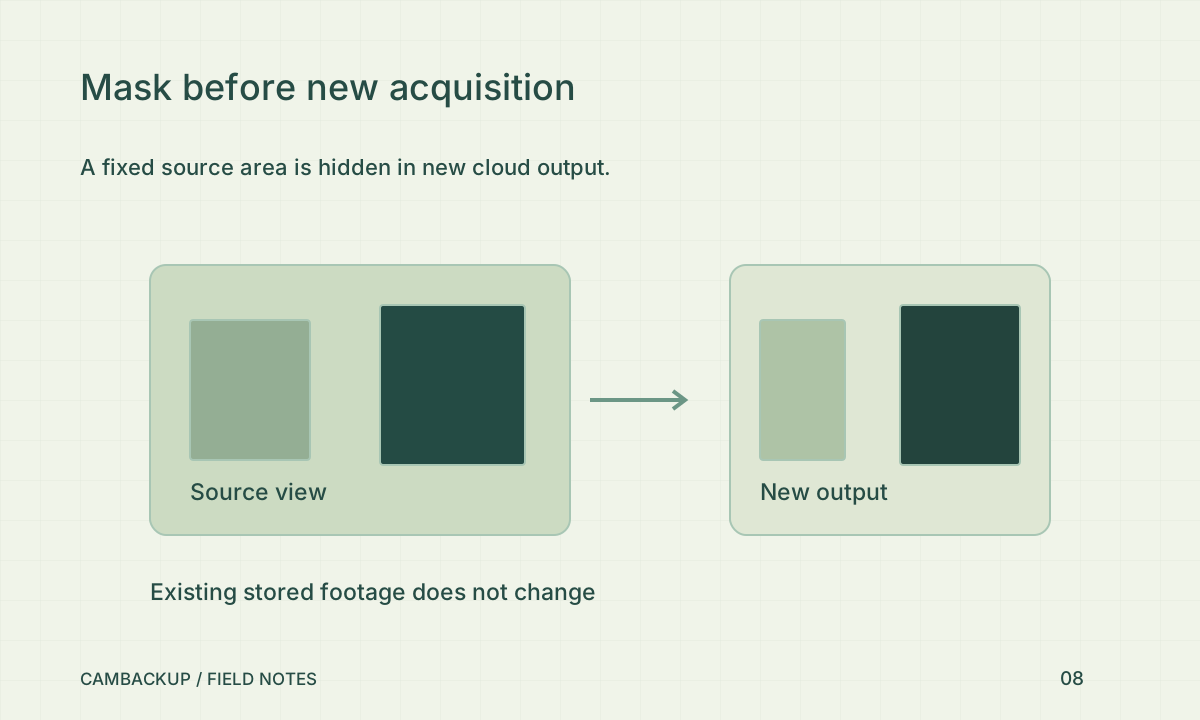
Read the guide Connect a camera behind a router without guessing at port forwarding →Test fresh live, recorded and snapshot output; treat older footage as a separate responsibility.
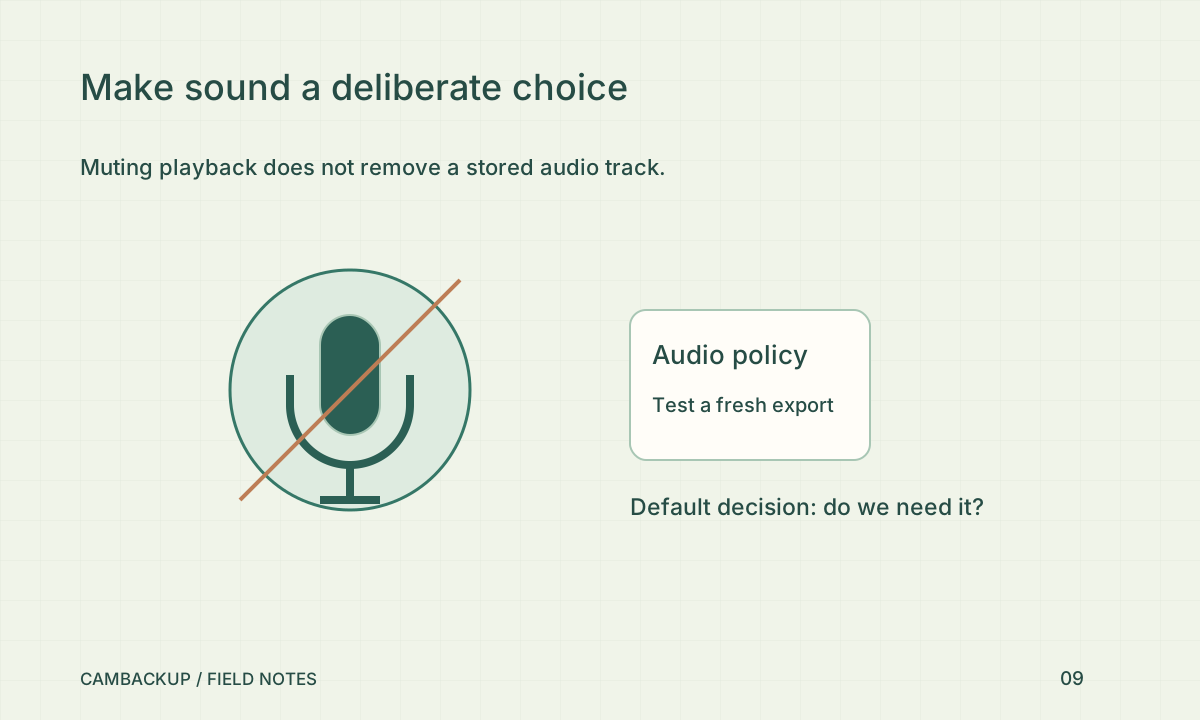
Read the guide Privacy masks belong before the first saved frame →A muted player can still contain recorded sound. Verify the actual exported file.
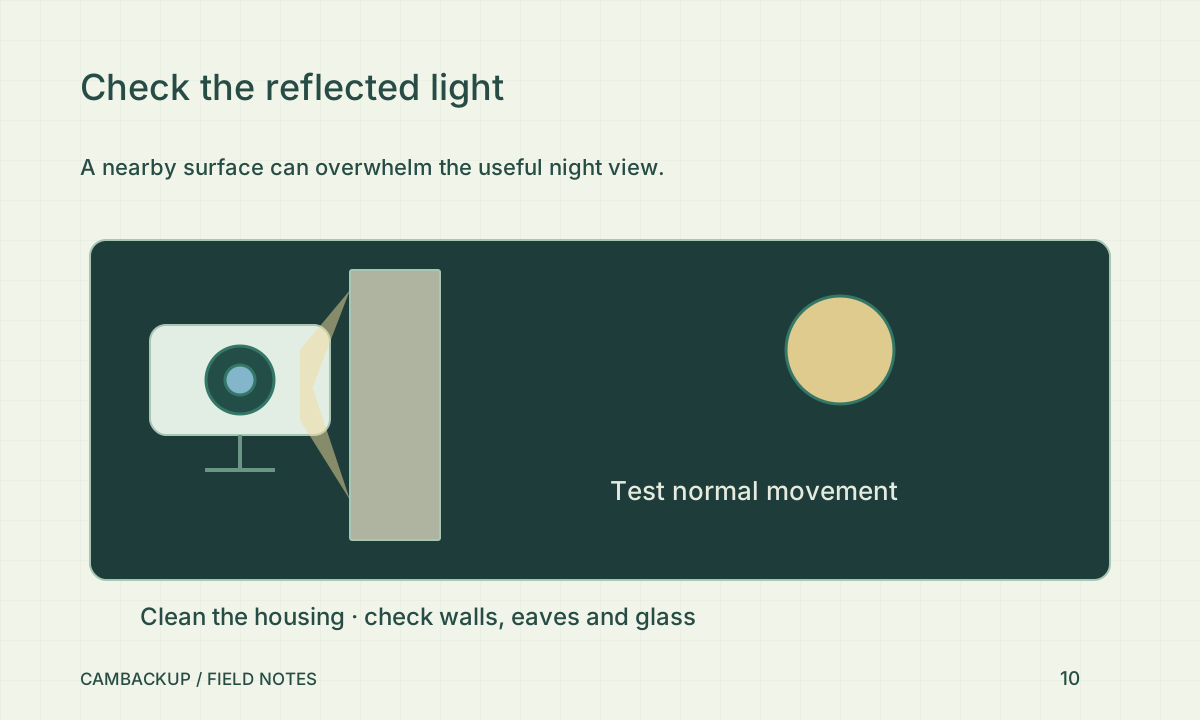
Read the guide Do you need the microphone on? →Check near-lens reflections and a moving recorded scene before increasing quality settings.
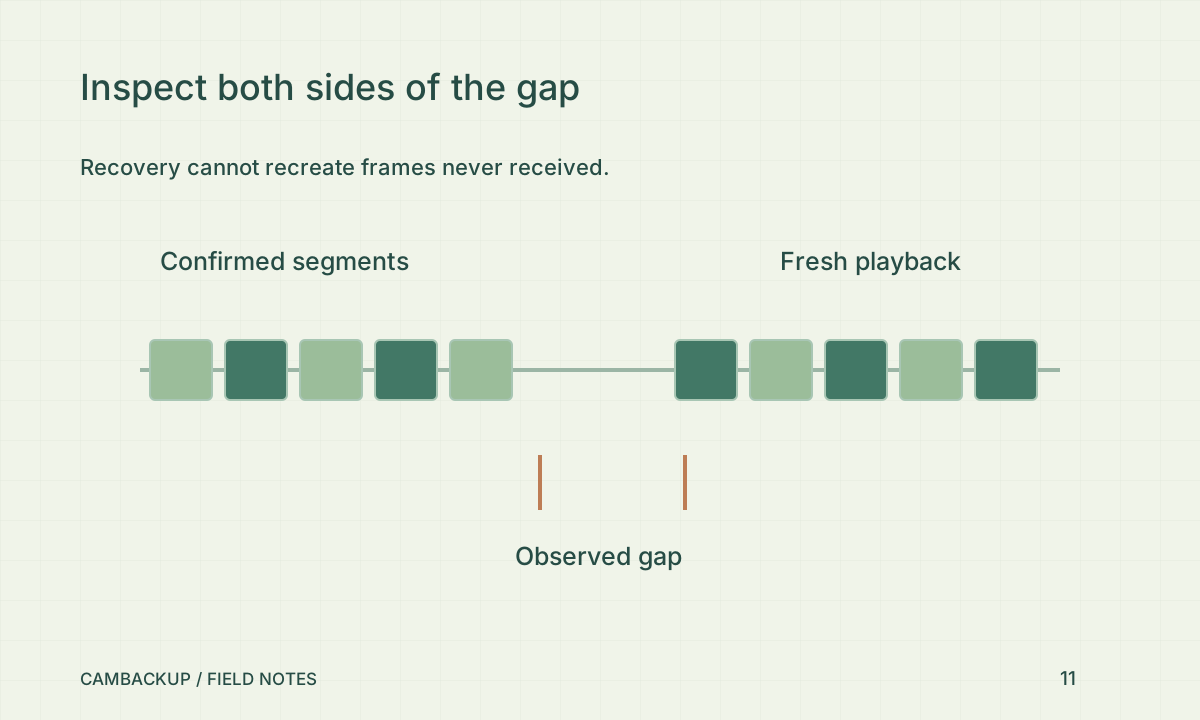
Read the guide Why a sharp daytime camera turns hazy at night →Verify a new saved segment and the missing interval; green status is only one observation.
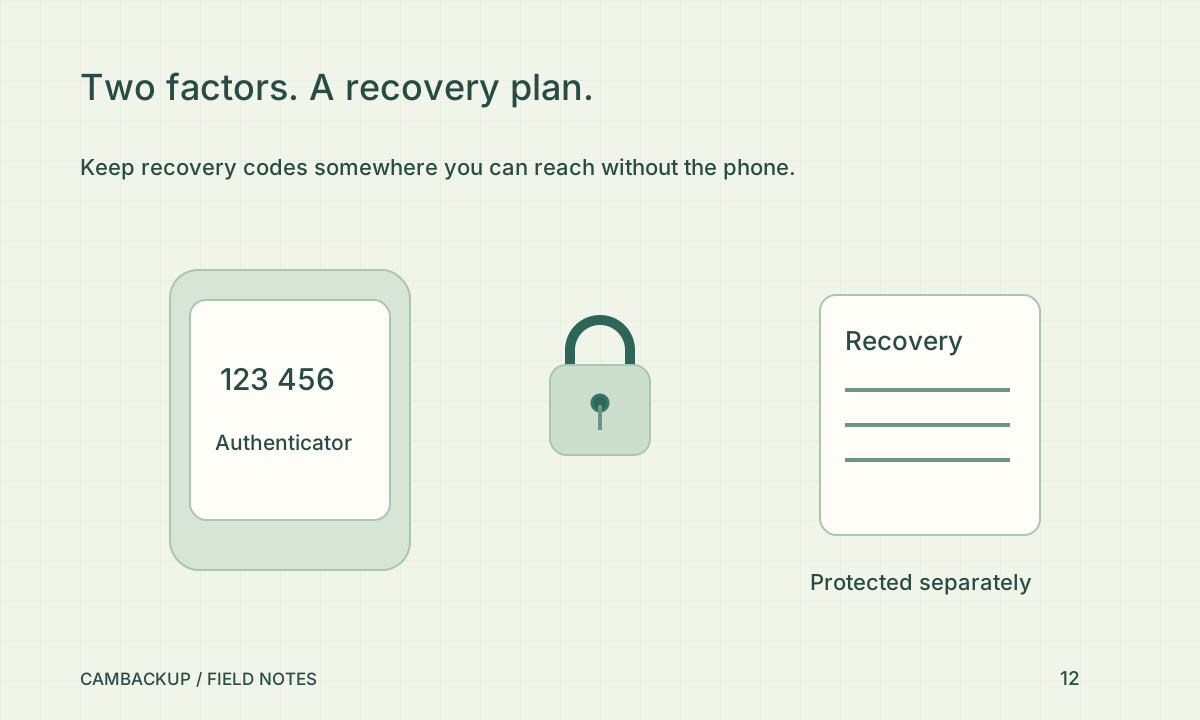
Read the guide Test the gap: a practical camera-outage drill →Save recovery codes outside the authenticator phone and test a new sign-in.
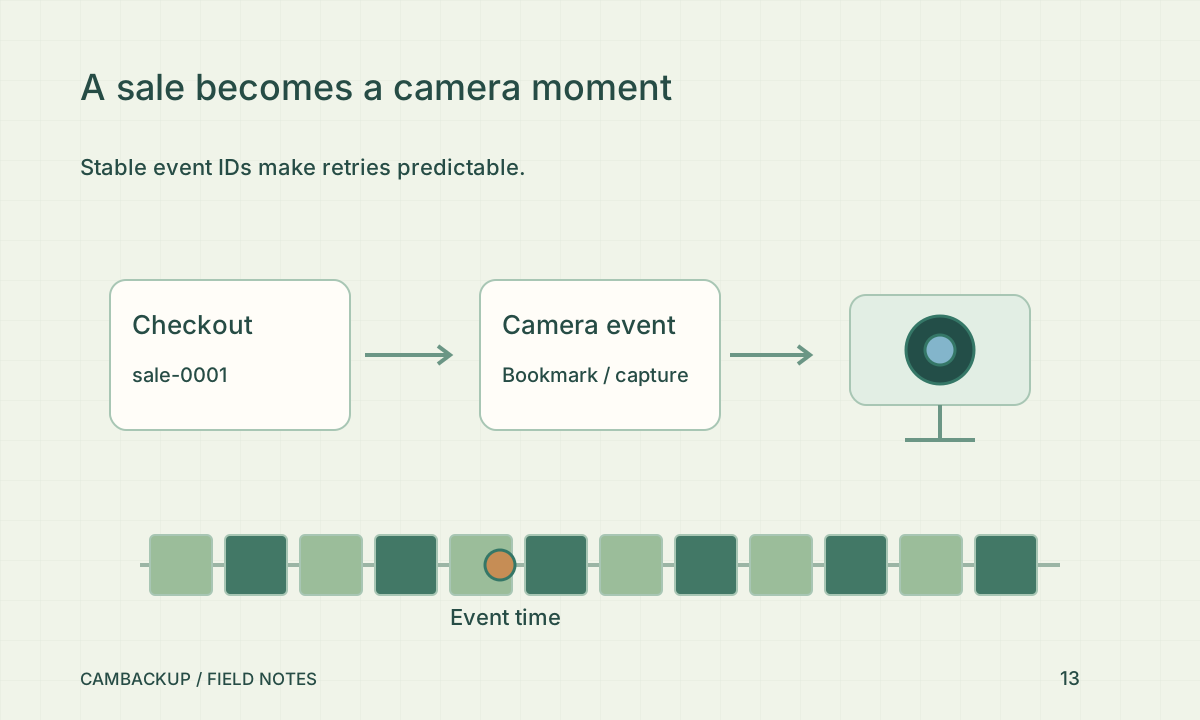
Read the guide Turn on MFA with a recovery plan you can actually use →A stable external ID links a business event to a camera moment without duplicate requests.
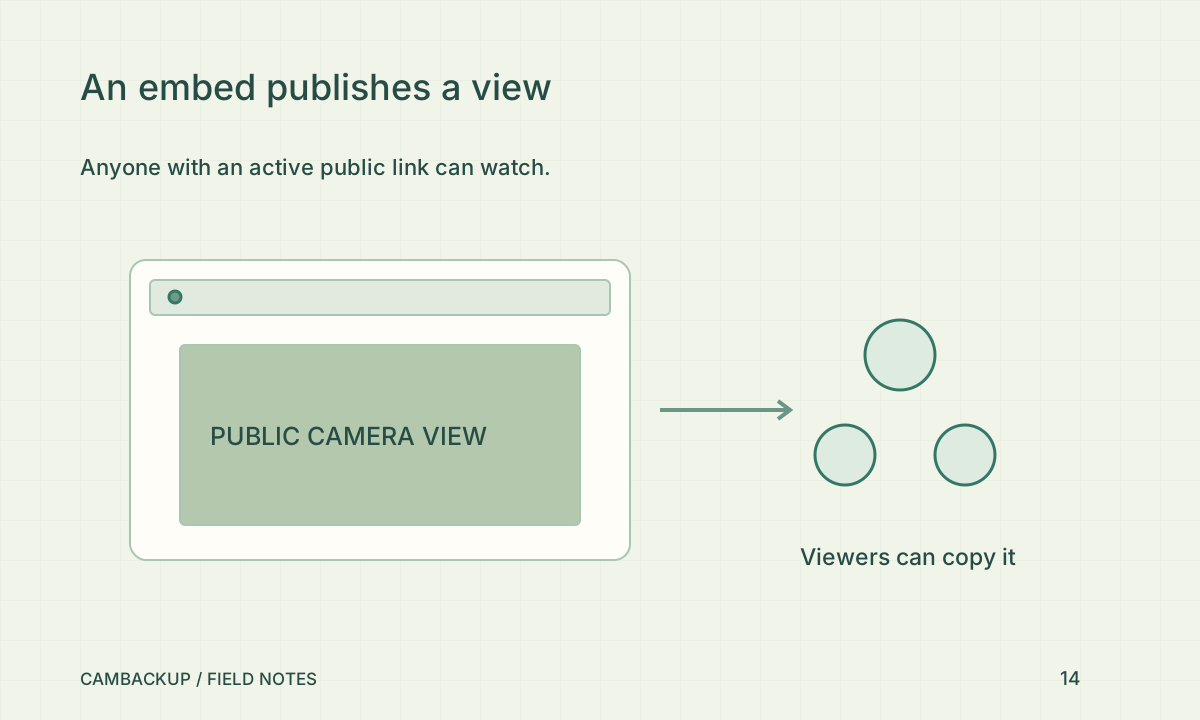
Read the guide Connect a checkout event to the right camera moment →Anything visible through a public share can be watched and copied outside your account.
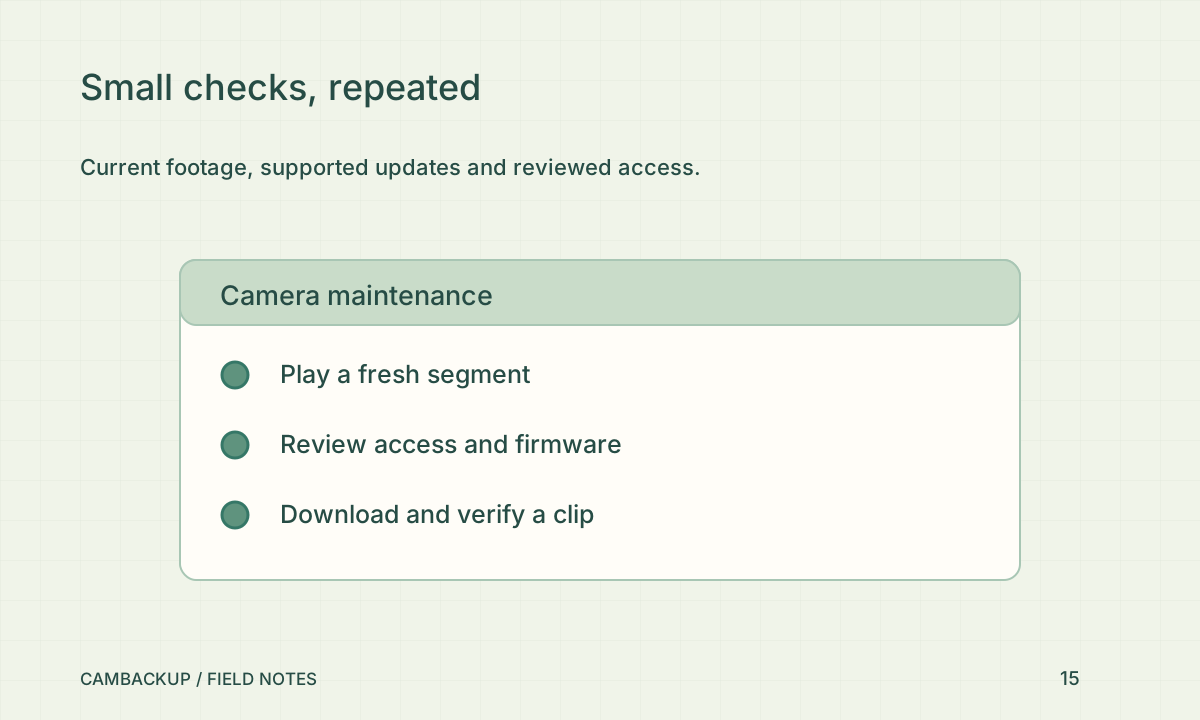
Read the guide A public camera widget is a publishing decision →A current recorded moment plus a verified export is a useful routine health check.
Read the guide A camera maintenance routine that fits into fifteen minutes →Buy one camera first and prove the complete recording workflow for that exact model.
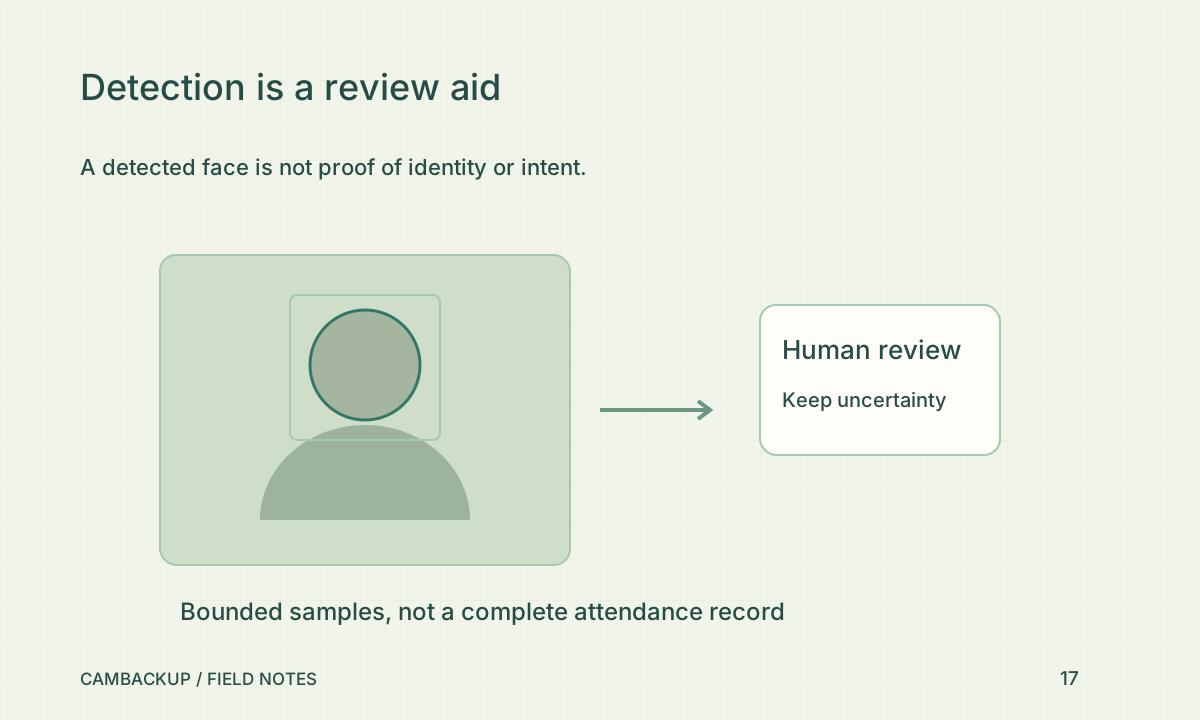
Read the guide Before buying: ask whether you can access the actual stream →Recording does not require face analysis. Leave it off unless the purpose, necessity and lawful use are established.
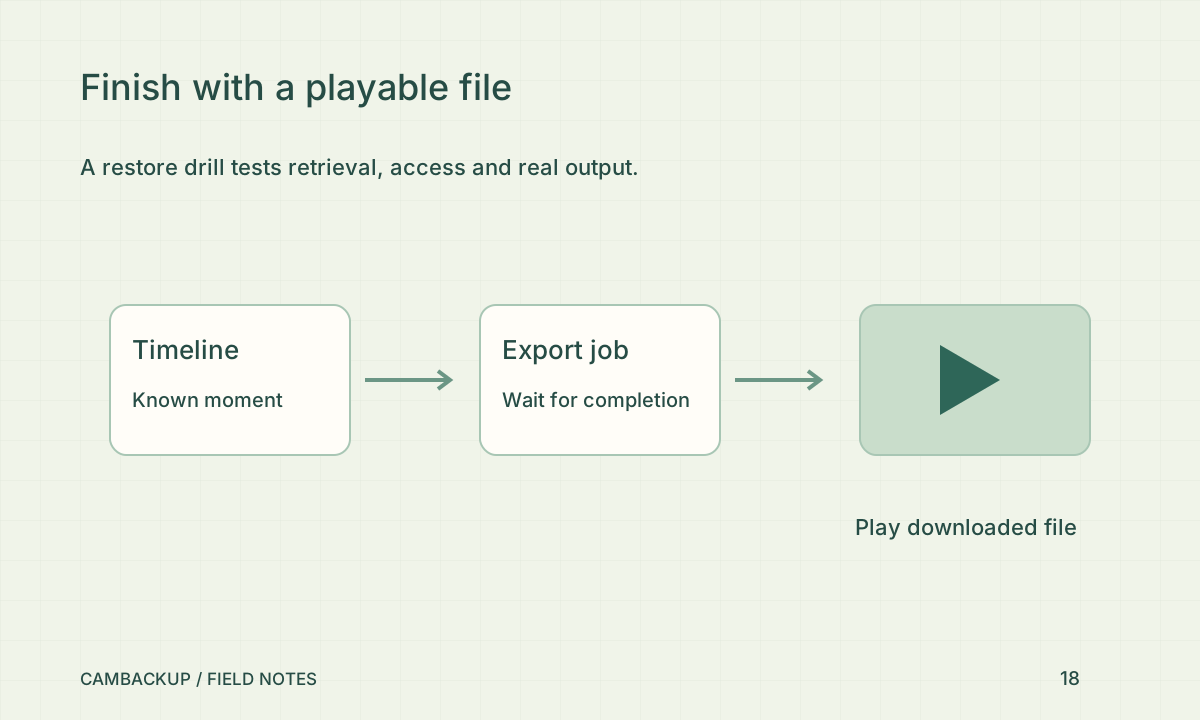
Read the guide Face analysis: decide whether you need it at all →Locate a known moment, export it and play it outside the browser.
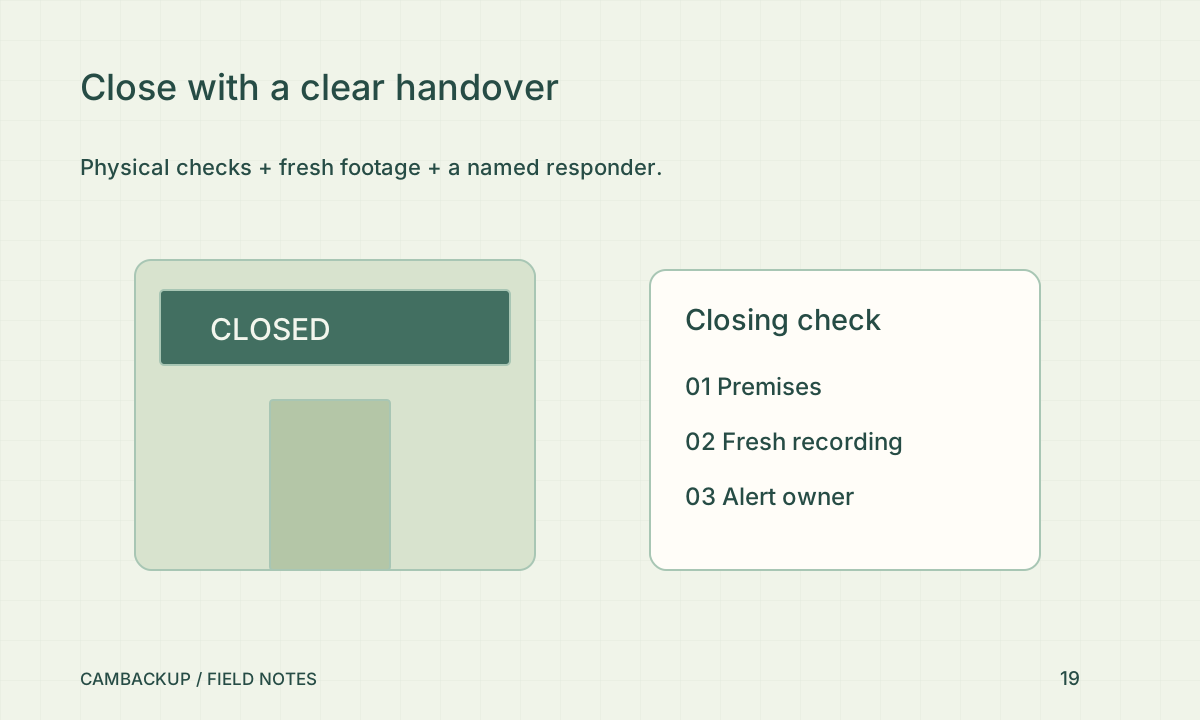
Read the guide Your backup drill should end with a playable file →Combine a physical closing procedure with a current saved-video check and a named responder.
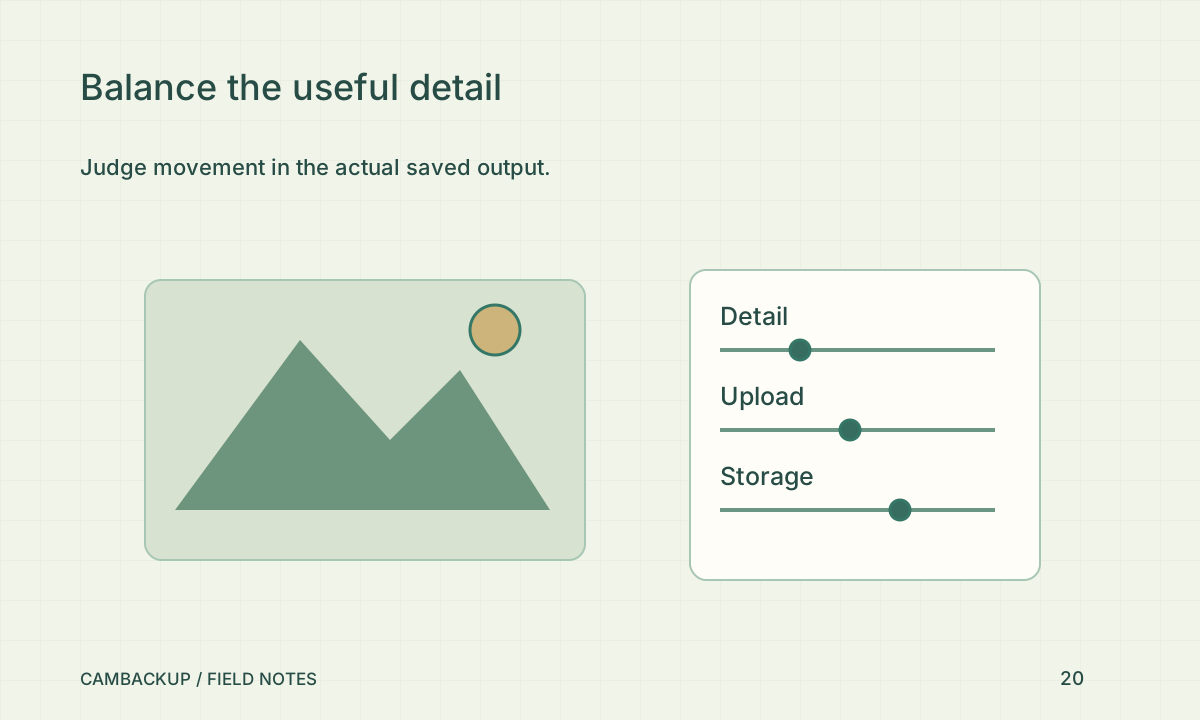
Read the guide A closing-time camera check for a small shop →Judge the saved moving scene, then balance detail, upload, storage and delay.
Read the guide Choose useful video quality, not the biggest number →Loading articles…