Choose the event before the angle
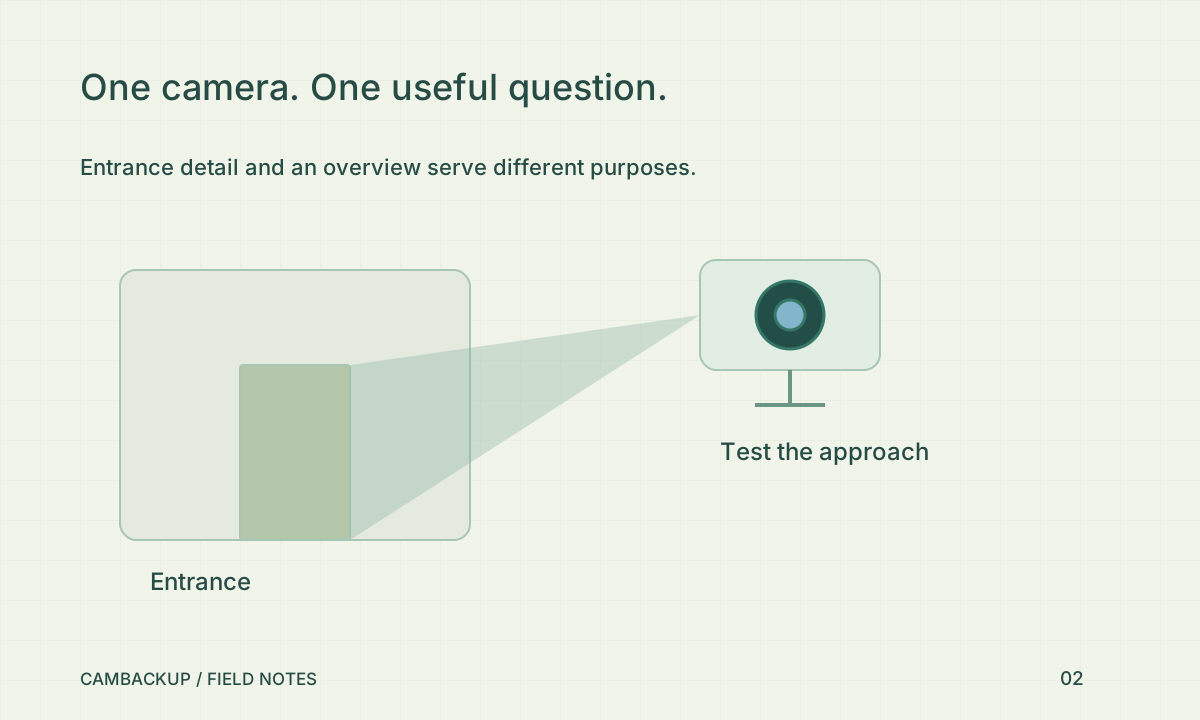
Sketch the entrances and normal routes through the property. Pick one useful observation for each camera rather than asking a single wide lens to do everything. An overview can establish direction and timing, while a closer entrance view can preserve more detail. Do not assume that enlarging an overview later will recover information that was never captured. Test the actual image from the distance where the event will happen.
Account for ordinary obstructions
The NPSA’s home-security guidance discusses camera position, access points and practical obstructions. In your own test, walk the route while another person watches the recording. Check open doors, parked vehicles, hanging signs and vegetation. A placement that works on an empty driveway may fail on collection day. Include the normal busiest condition in the test rather than only the clean installation view. Keep equipment reachable for safe maintenance without making it easy to interfere with.
Repeat the test in darkness
Walk through at the time of day when you most need coverage. Lighting, shadows and reflections can change the scene substantially. Check whether a person moving normally remains useful in the recording, not simply whether a stationary wall looks sharp. If lighting needs improvement, consider glare towards neighbours and the safety of visitors. A camera is one layer alongside locks, lighting and sensible access control.
Record the decision
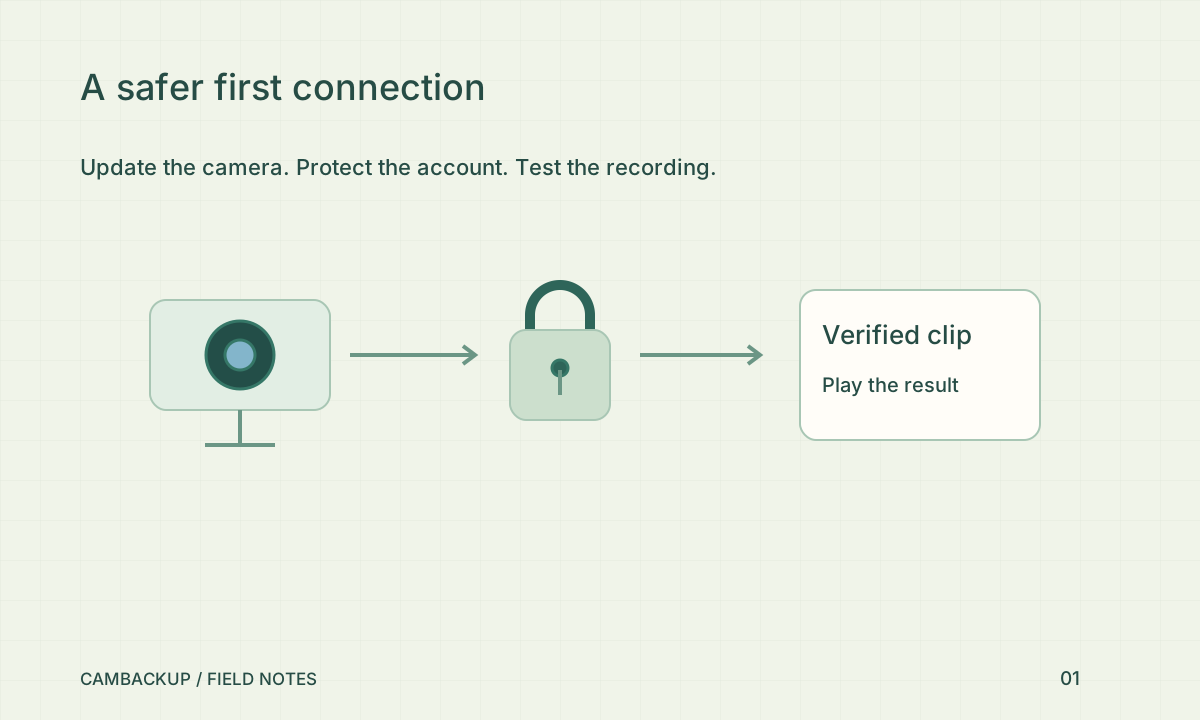
Save a short test clip and a note explaining the intended question. Review that decision after a change to the entrance, a new delivery area or a seasonal change. Check the frame edges for private windows or areas you do not need to monitor. In CamBackup, use the timeline and a short exported clip to judge the result at normal playback speed. If the clip cannot answer the original question, change the position or the brief before buying more storage.
Sources & further reading
Sources reviewed . This article is part of the guide collection published together in October 2026. CamBackup workflow advice is our own; external guidance may change. Local privacy, employment and evidence rules depend on your situation.
Follow our step-by-step setup guides, check supported features and limits, or ask a setup question.