Start with the camera itself
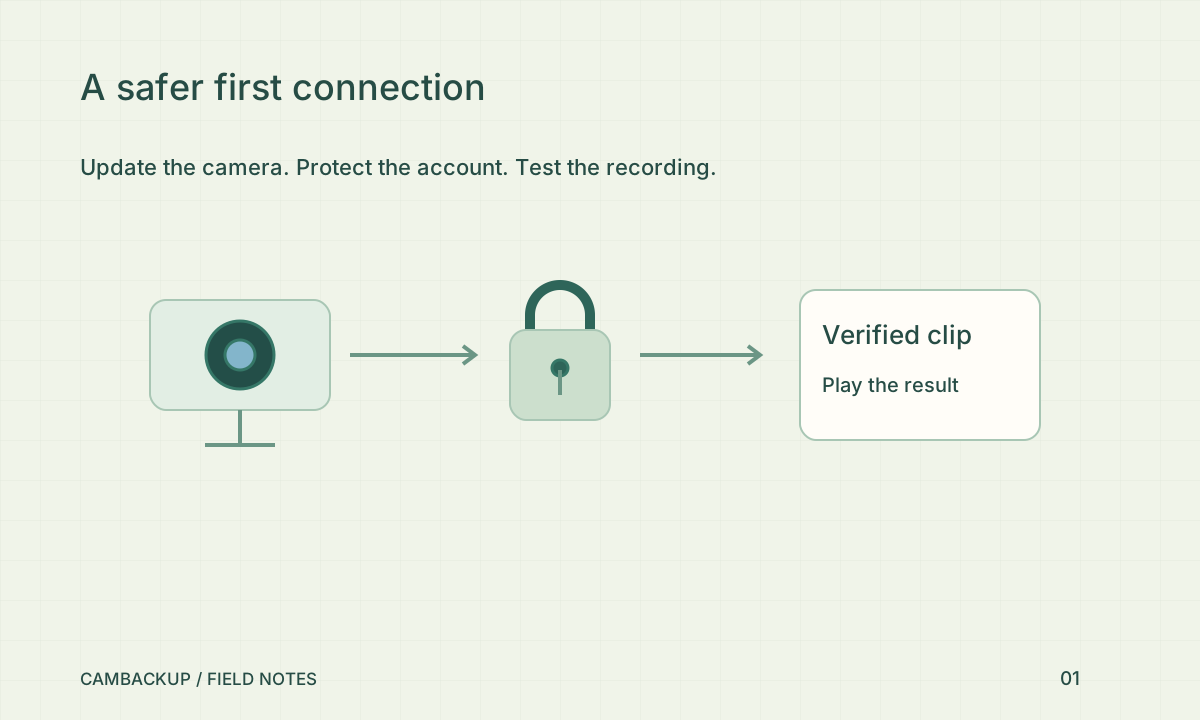
Update the camera through its manufacturer’s supported process. Change any default password and create a separate camera account for video access when the device supports one. Keep your installer’s administrator credential separate from the credential used to read the stream. That makes replacing a cloud connection less disruptive and gives you a smaller set of permissions to review. Store both credentials in a password manager, with a clear note about which device they belong to.
Give the account another layer
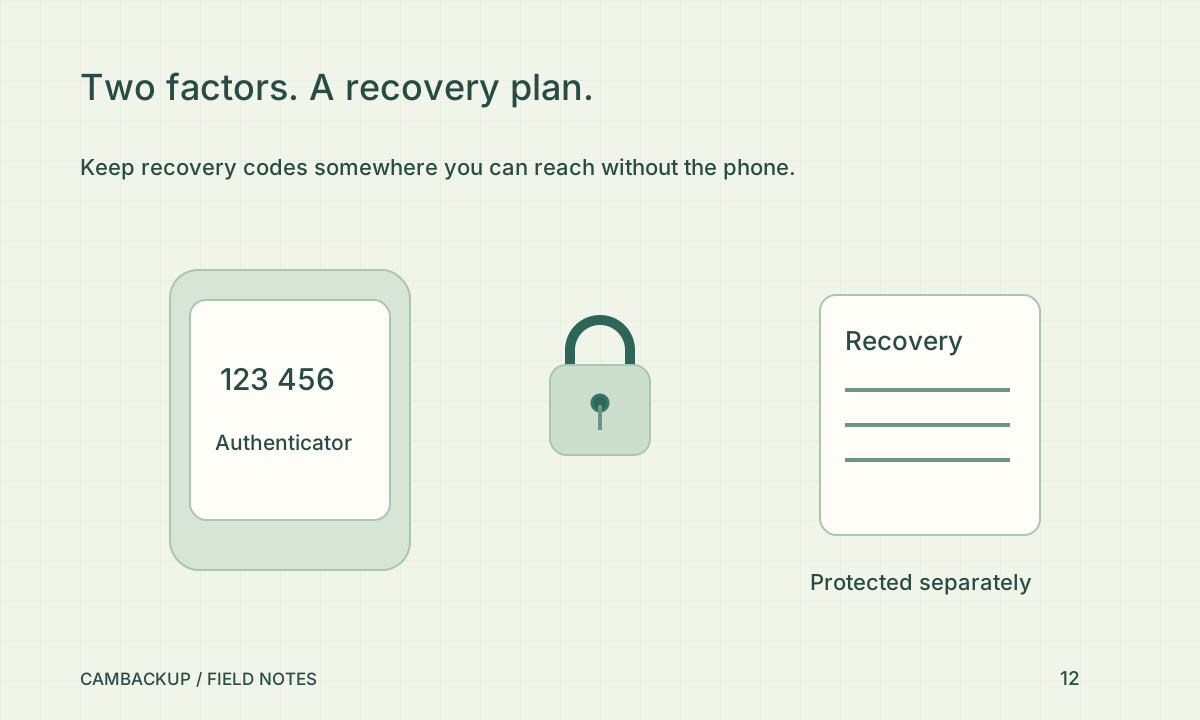
Use a unique password for CamBackup and enroll an authenticator from Account security. Save the recovery codes somewhere you can reach without that phone. Test a fresh sign-in before closing the session that enrolled it. The NCSC’s smart-device guidance recommends securing devices and keeping them updated; these are ongoing habits, not a one-time installation badge. Review who can administer the router as well as who can see the camera.
Check the view before you record
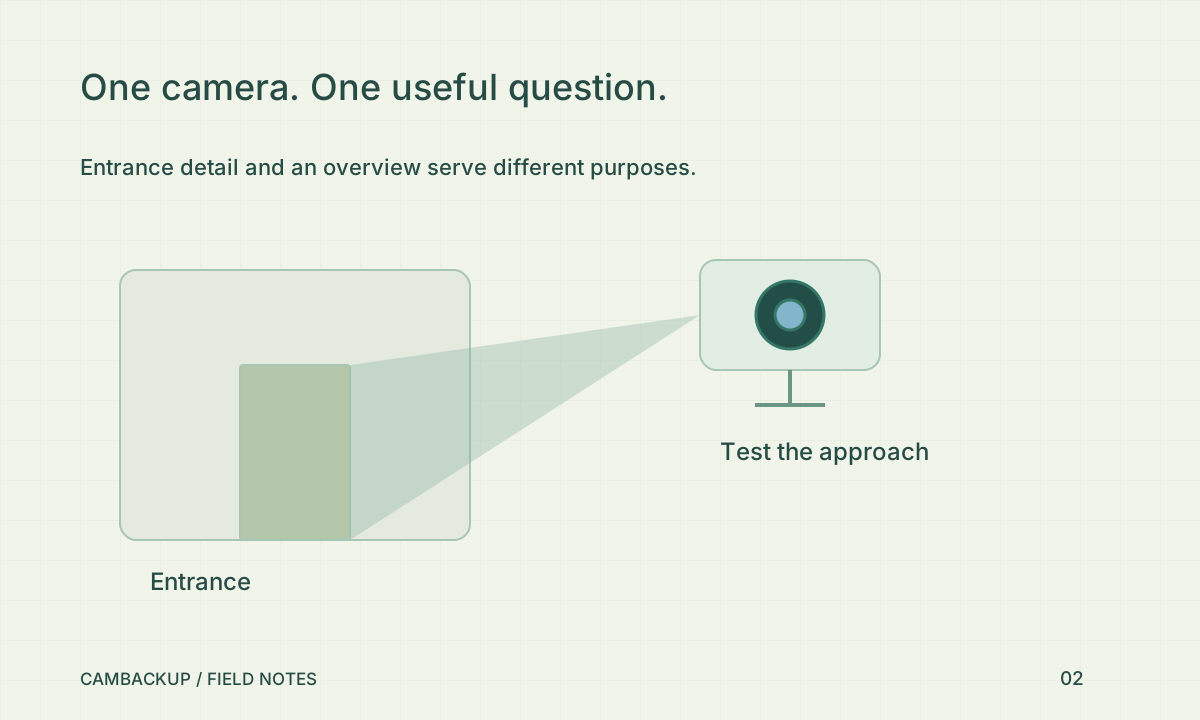
Add the source, test that video decodes, then look for details you would actually need: a face at the entrance, a package position or a vehicle approach. Avoid a wide view that captures a neighbour’s private space unnecessarily. Apply a privacy mask before starting new acquisition if you need to exclude a fixed area. Masks affect new output; they do not erase detail from footage already saved.
Leave a small handover
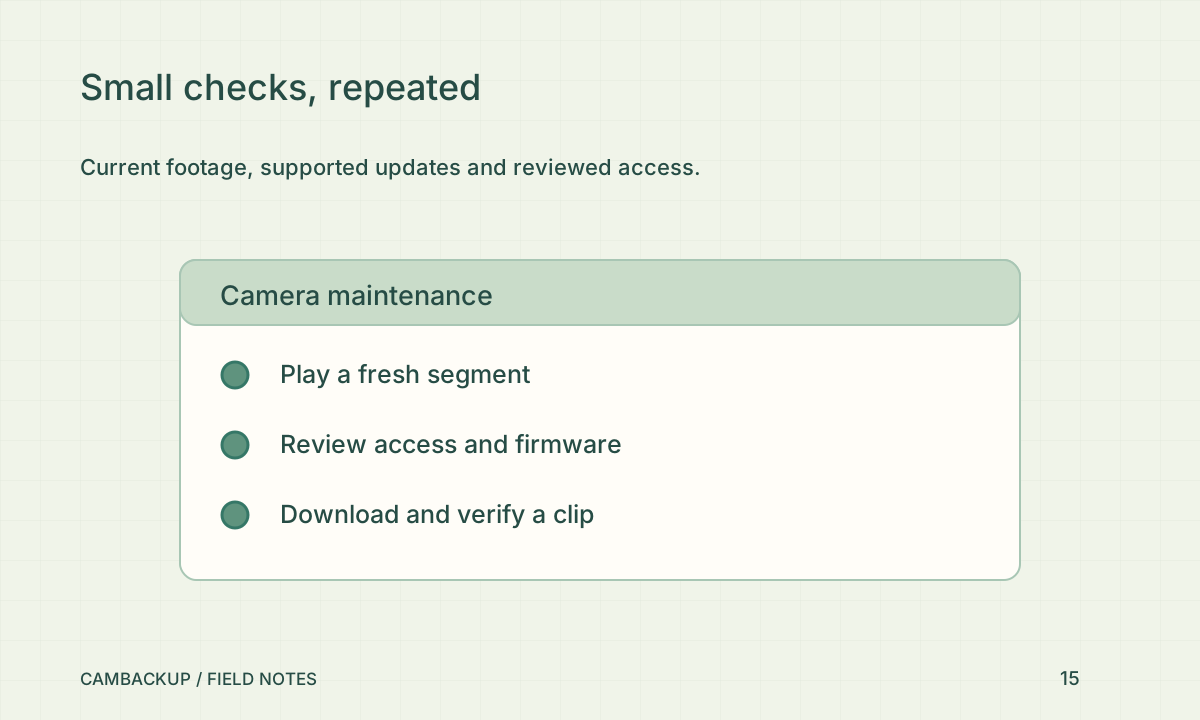
Write down the model, firmware version, power source, account owner and last successful playback test. Do not put the camera password or stream URL in a shared support message. Set a reminder to repeat the playback check after router or camera changes. If the device loses support or depends entirely on a closed mobile app, investigate a replacement before relying on it for an important entrance.
Sources & further reading
Sources reviewed . This article is part of the guide collection published together in October 2026. CamBackup workflow advice is our own; external guidance may change. Local privacy, employment and evidence rules depend on your situation.
Follow our step-by-step setup guides, check supported features and limits, or ask a setup question.