Ask for a concrete access method
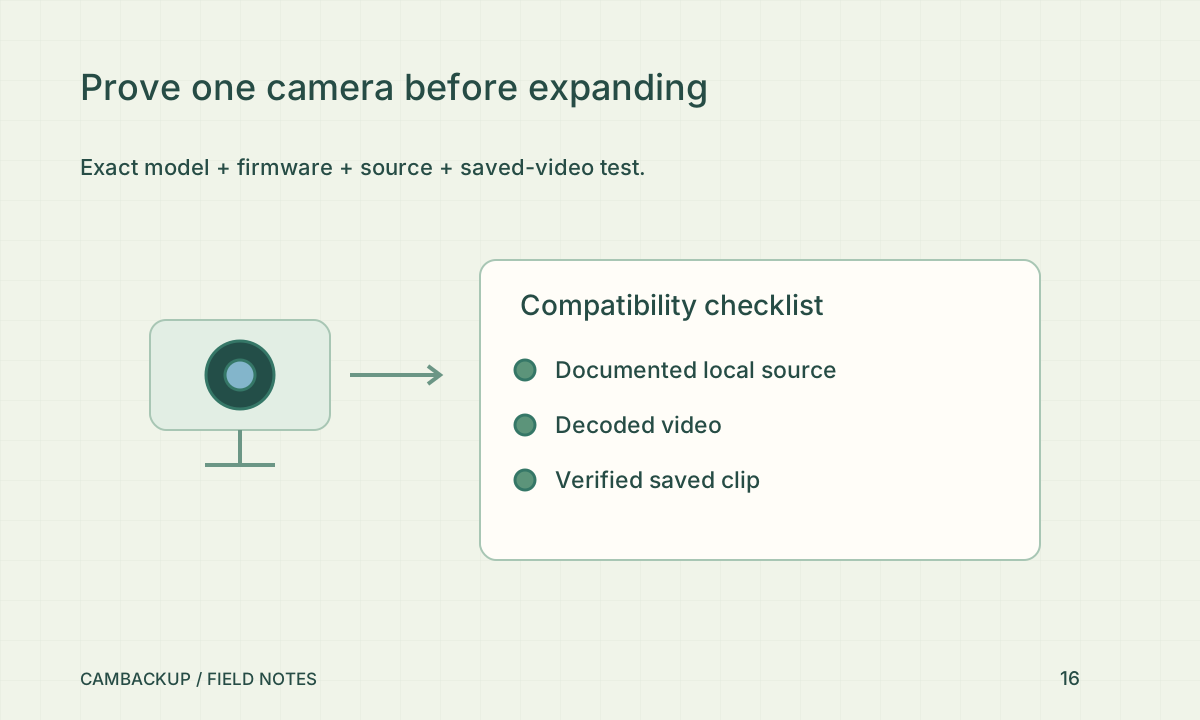
Look for manufacturer documentation covering RTSP, supported HTTP video or ONVIF stream access for the exact model. Ask whether access requires an additional subscription, a firmware option or a particular user role. A feature called “works with an app” does not answer those questions. Keep the documentation link and firmware version with your purchase notes. If the seller cannot describe a usable source, treat compatibility as unverified rather than assuming a gateway will solve it.
Check conformance precisely
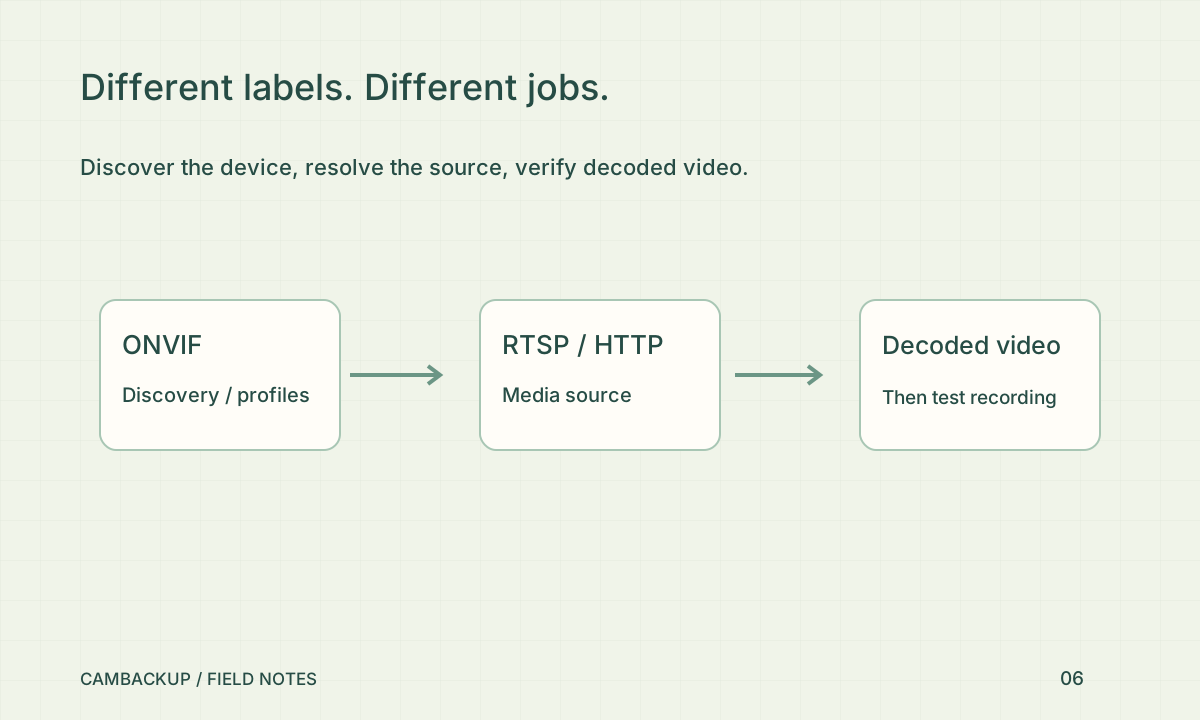
ONVIF maintains a database of conformant products with model and firmware information. Use it to check a conformance claim rather than treating a logo as proof of every feature. A registered profile still needs to match the client capability you want. CamBackup’s discovery and source support do not amount to product certification. Plan to test discovery, authentication, decoded video and recording as separate steps during the return period.
Check the life around the stream
Consider power, wired or wireless connectivity, firmware support, temperature and access for safe maintenance. The FTC’s camera-security guidance recommends reviewing security and update features as part of choosing and using a camera. Check whether the device can have a separate viewer credential and whether unnecessary remote-access features can be disabled. A slightly cheaper camera may become expensive if it forces a network redesign or an unsuitable account-sharing arrangement.
Buy one, prove the workflow, then expand
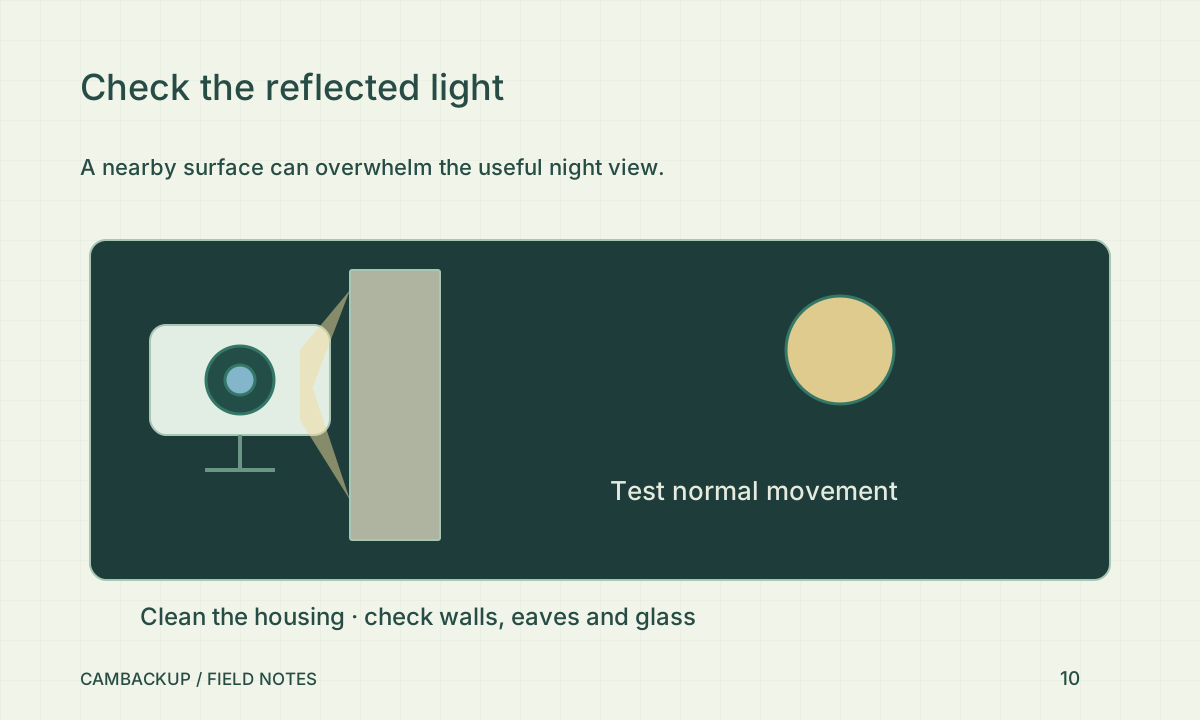
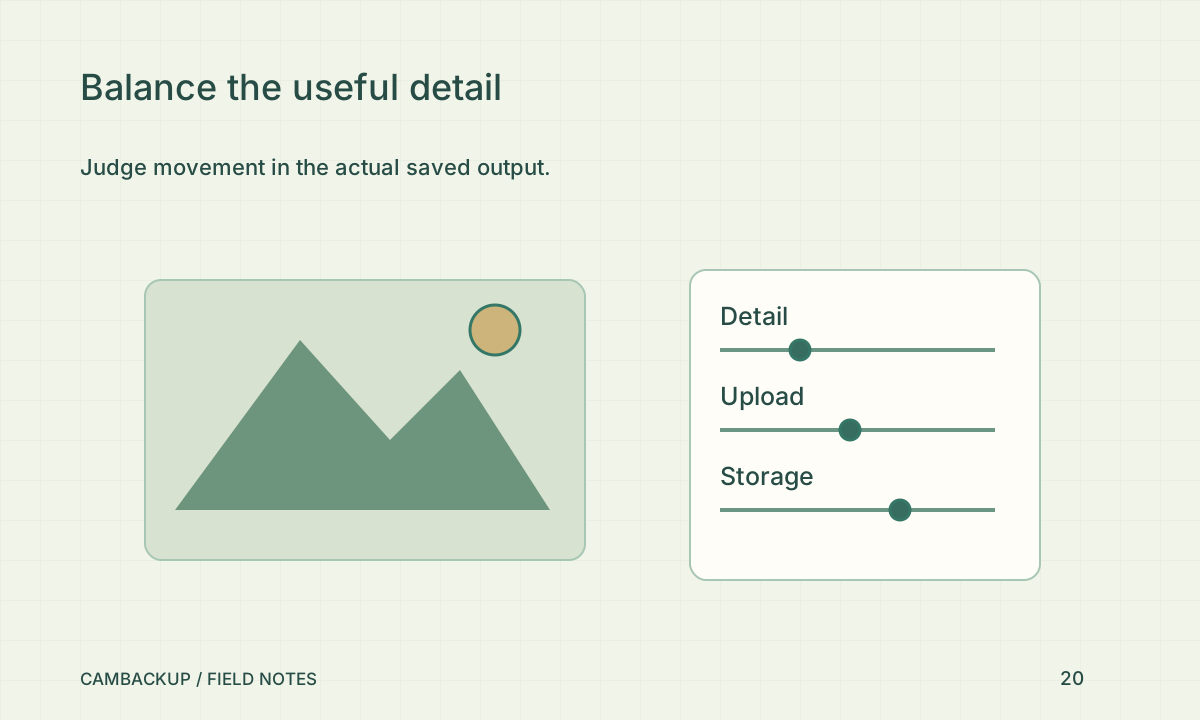
Install one unit, test local playback, connect it to CamBackup and inspect real saved output in daylight and darkness. Test behind your actual router using the gateway if needed. Proprietary Android-app-only cameras still need a model-specific integration and hardware validation; there is no universal emulation promise. Keep packaging and purchase records until the complete workflow succeeds. Repeating one proven installation is usually easier than troubleshooting a mixed fleet purchased on assumptions.
Sources & further reading
Sources reviewed . This article is part of the guide collection published together in October 2026. CamBackup workflow advice is our own; external guidance may change. Local privacy, employment and evidence rules depend on your situation.
Follow our step-by-step setup guides, check supported features and limits, or ask a setup question.