Discovery is not a video result
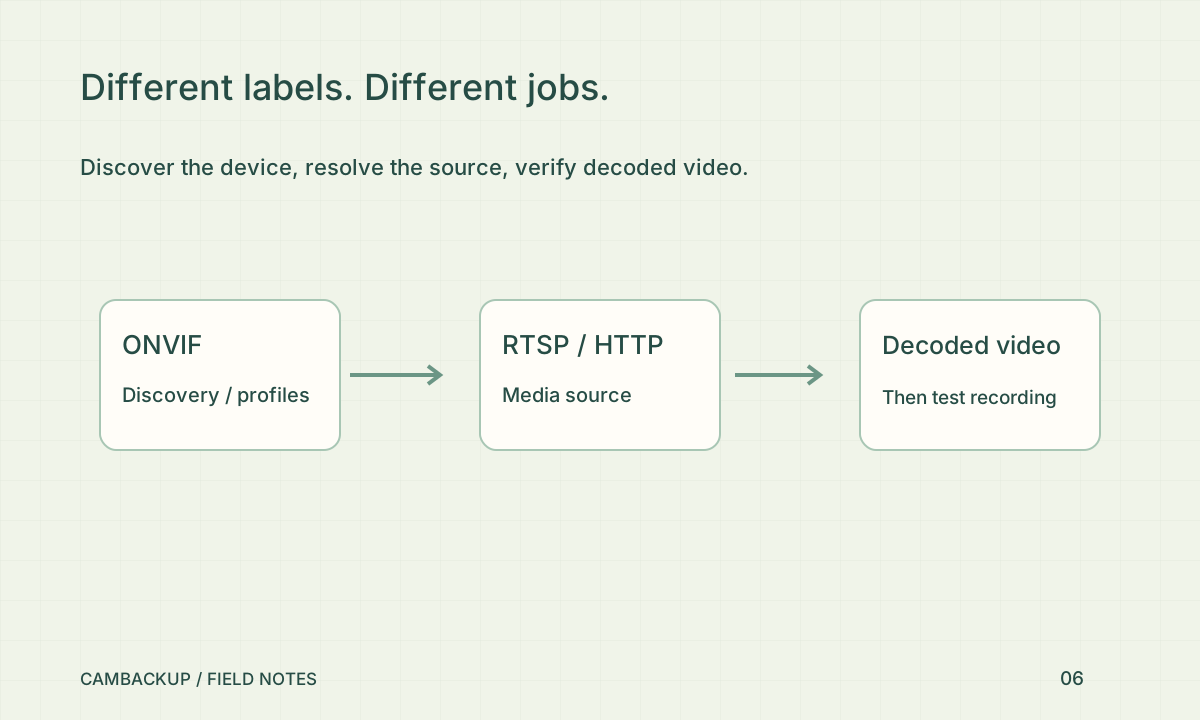
ONVIF profiles describe sets of interoperable capabilities. Check the manufacturer’s exact model and firmware against ONVIF’s registered conformant products instead of relying only on a marketplace description. CamBackup can use ONVIF discovery and supported stream information, but it is not claiming ONVIF certification. Discovering a device on the LAN does not prove its chosen video stream will decode, authenticate correctly or traverse your internet connection.
Identify the actual source
RTSP is a common network-camera source. HTTP sources can instead carry multipart MJPEG, an MP4 resource or a supported playlist. These forms have different connection behaviour; changing the URL suffix does not convert one into another. Use the camera’s documented source address and a dedicated credential where available. Keep credential-bearing addresses out of screenshots, support tickets and publicly shared configuration examples.
Run an output test
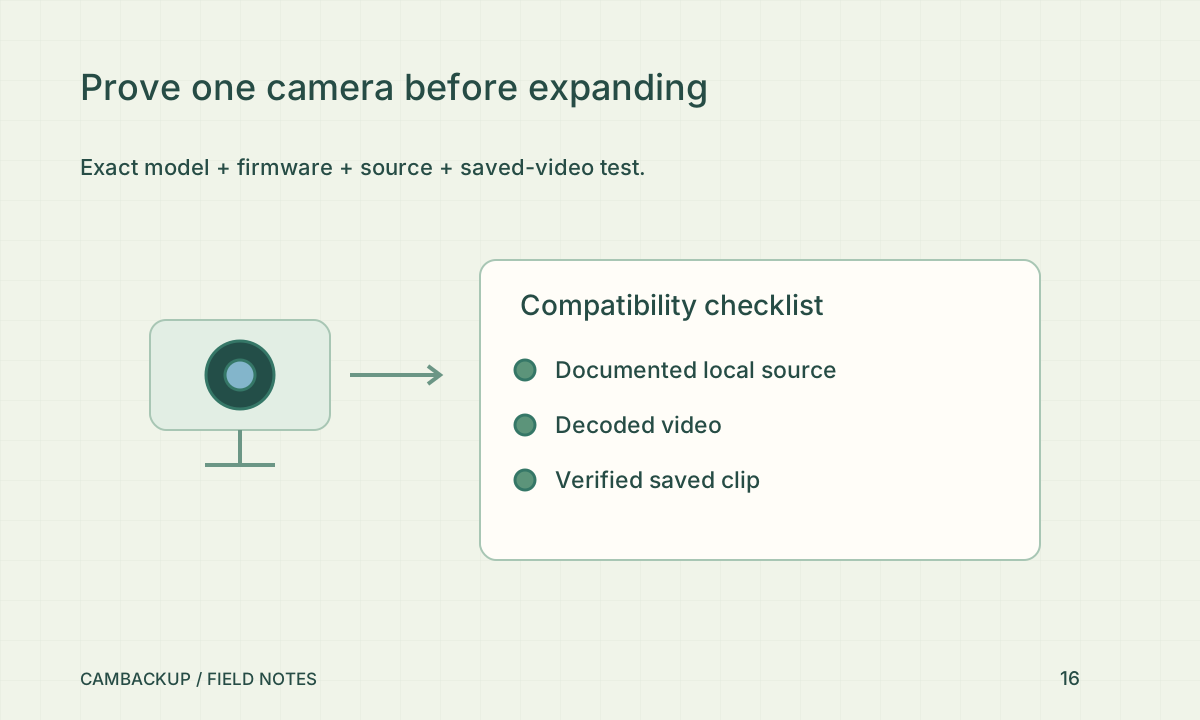
CamBackup’s supported-source handling tests decoded video rather than treating an open socket as success. It normalizes supported input into browser playback and recorded output. A URL can respond successfully while returning an authentication page, unsupported media or only audio. Run the connection test, watch live playback and then verify a newly saved recording separately. Record the model, source family and observed error without sending the secret URL.
Know when another approach is needed
A camera that works only through a proprietary phone app may expose no usable standard stream. The optional Android integration framework still needs a model-specific adapter and real hardware validation; it does not unlock an arbitrary camera. A LAN gateway helps with reachable local sources behind a router, but does not create a missing stream API. Before buying, ask the manufacturer for the exact supported local access method and test it during the return period.
Sources & further reading
Sources reviewed . This article is part of the guide collection published together in October 2026. CamBackup workflow advice is our own; external guidance may change. Local privacy, employment and evidence rules depend on your situation.
Follow our step-by-step setup guides, check supported features and limits, or ask a setup question.