Look close to the lens
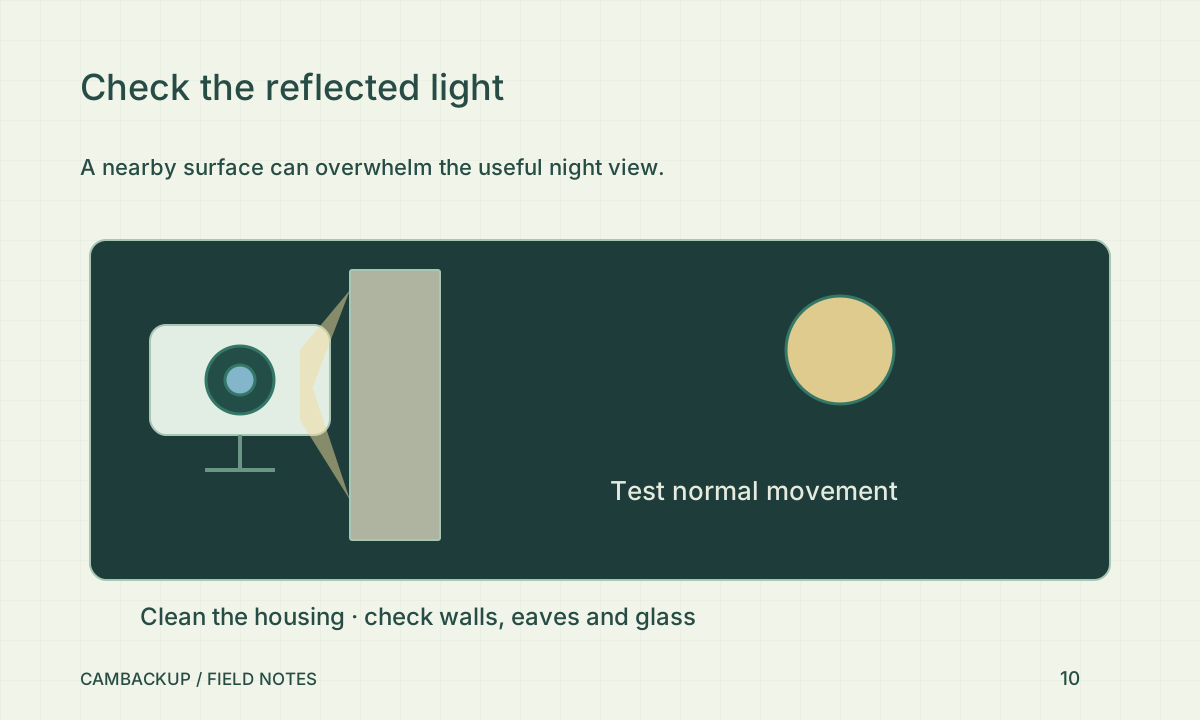
Axis’s infrared-reflection guidance describes how nearby surfaces and contamination can send light back into a dome camera. Check for dirt, water marks, spider webs and parts of the housing that may be in the illumination path. Follow the manufacturer’s cleaning method and safe access instructions. Avoid abrasive materials or dismantling a sealed unit without guidance. A small amount of debris near the lens can matter more than a distant object in the scene.
Look beyond the housing
Inspect nearby walls, roof edges, signs and windows. A bright surface close to the camera can dominate the exposure while the area you care about remains dark. Record a walk-through with the usual doors, vehicles and lights in place. If you move the camera, revisit privacy masks and the intended coverage area. Do not solve a reflection by redirecting a light or camera into a neighbouring private space.
Judge movement rather than a still wall
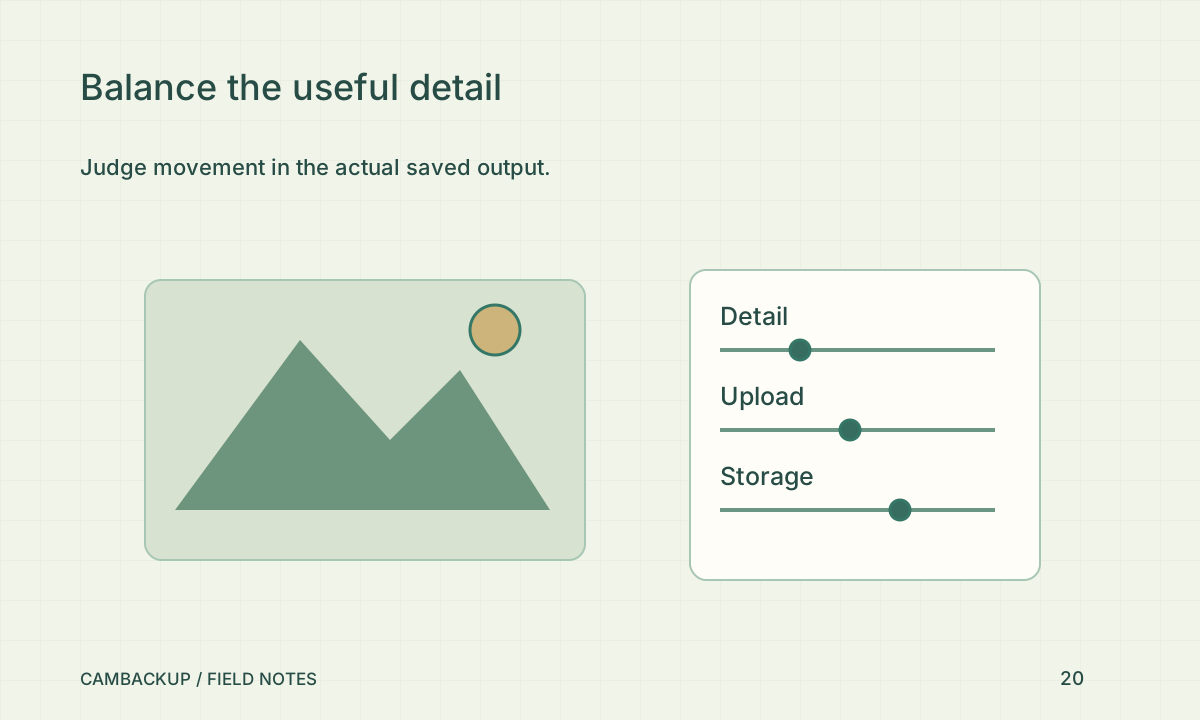
Use normal walking speed and the real approach route. Pause the saved clip at several points and decide whether the information is sufficient for your purpose. A bright stationary scene can hide motion blur or a face that is too small. Compare a short clip before and after one controlled change so you can tell what helped. Keep both clips temporarily with notes rather than relying on a memory of the live view.
Include night checks in maintenance
Review the camera after cleaning, seasonal growth, new signage or a firmware change. In CamBackup, inspect the timeline around the change and export a brief new sample. If night quality remains poor, seek camera-specific advice about position, illumination and exposure. Cloud storage cannot reconstruct missing detail from an overexposed or blurred source. It can preserve what the camera delivered, so the acceptance test must start at the scene.
Sources & further reading
Sources reviewed . This article is part of the guide collection published together in October 2026. CamBackup workflow advice is our own; external guidance may change. Local privacy, employment and evidence rules depend on your situation.
Follow our step-by-step setup guides, check supported features and limits, or ask a setup question.