Check a fresh moment
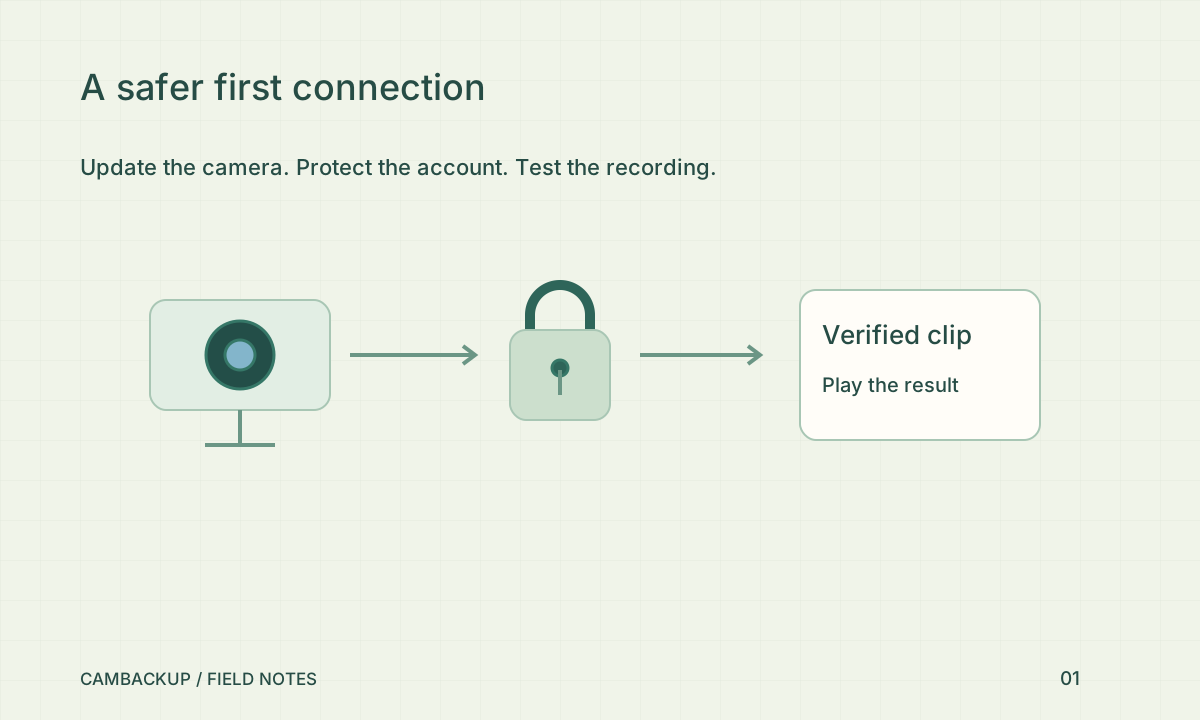
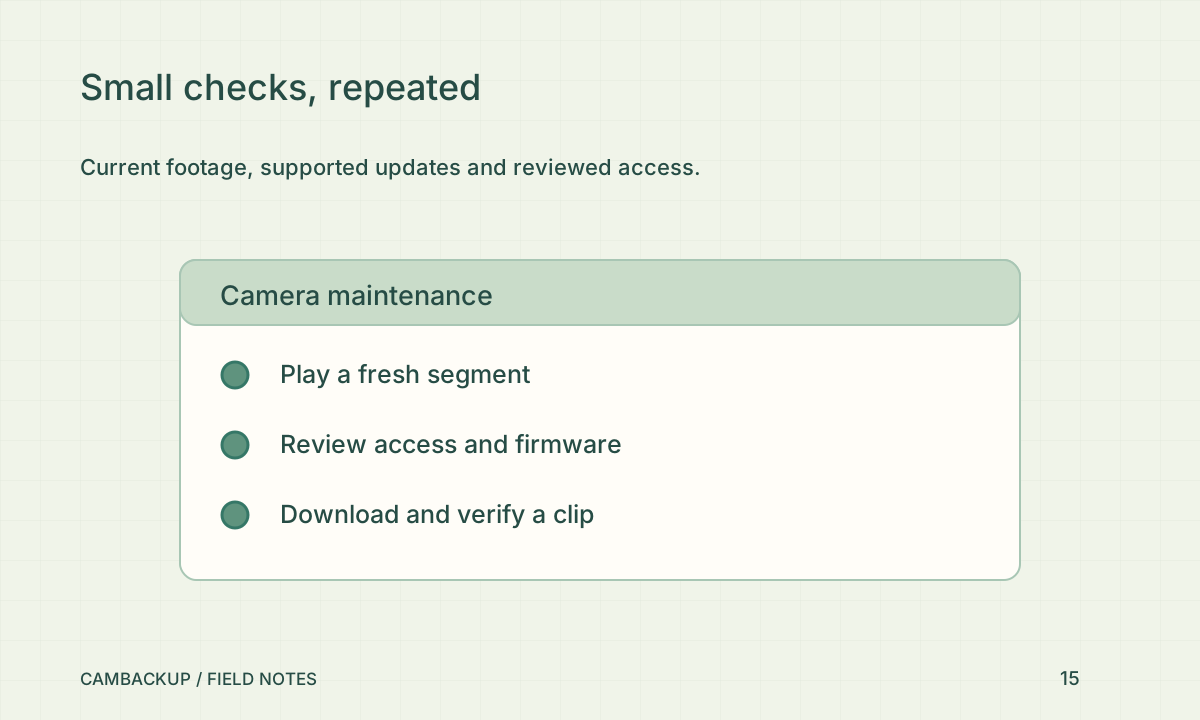
Open live view, note the current time and make a harmless movement in the scene if it is safe to do so. Find that movement in a newly saved segment. This checks more than a cached picture or yesterday’s recording. If the camera should be recording but no fresh segment appears, inspect the desired state, recording entitlement and connection observations. Escalate a gap rather than treating a green account login as a complete system check.
Review supported updates
The FTC’s connected-device guidance recommends keeping devices updated and reviewing unnecessary features. Check the manufacturer’s update mechanism for the camera and the gateway host’s supported update process. Schedule disruptive changes and retain the configuration information needed to recover. Do not assume a cloud application update also updates a camera’s firmware. If a manufacturer no longer supports a device, record that as a replacement decision rather than indefinitely postponing it.
Check access and exposure
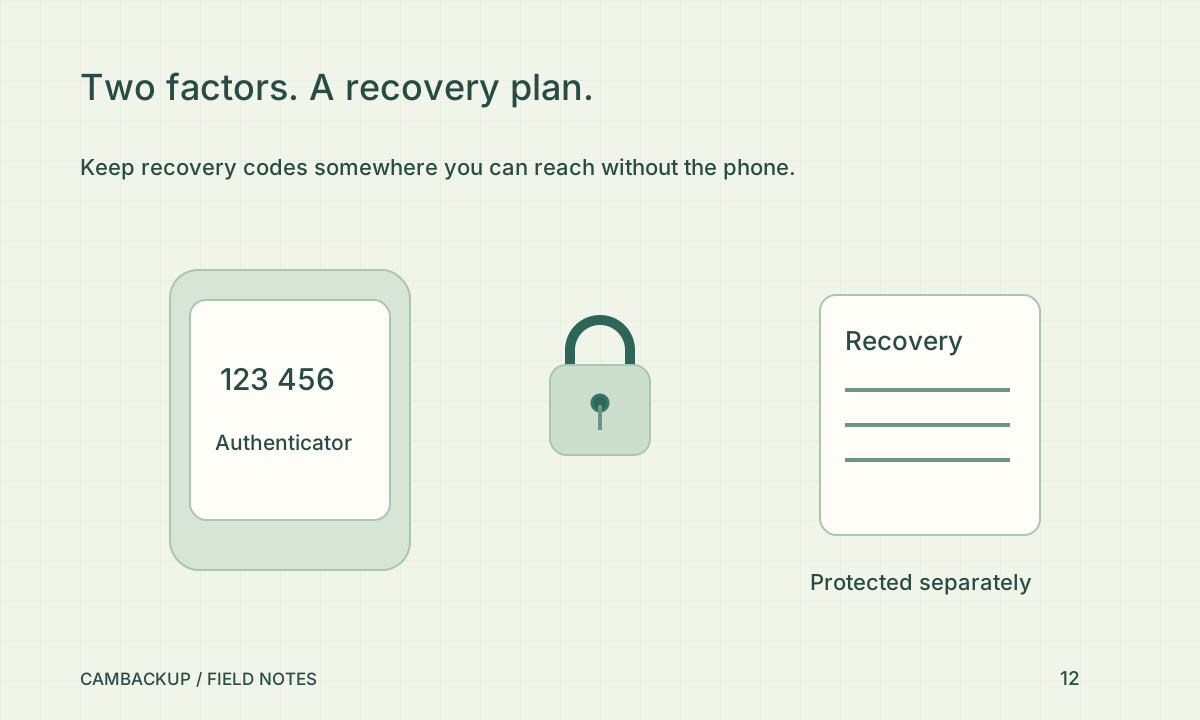
Review active public shares, integration keys and developer tokens. Remove access that no longer has an owner or a purpose. Check whether the camera, router or local gateway dashboard has been exposed unexpectedly. Credentials should stay in protected storage, not in the maintenance log. If a contractor finished work, confirm whether their access should end. A read-only token can still disclose sensitive metadata and footage, so review those permissions too.
Finish with an export
Download a small current clip and play it locally. Check its time window, image detail and intended audio policy. Delete the test copy when it is no longer needed under your process. Note the date, result and any action with a responsible person. Repeat the relevant checks after camera movement, network changes or an unexplained outage. A short log of actual playback results is more useful than a long checklist completed without looking at the video.
Sources & further reading
Sources reviewed . This article is part of the guide collection published together in October 2026. CamBackup workflow advice is our own; external guidance may change. Local privacy, employment and evidence rules depend on your situation.
Follow our step-by-step setup guides, check supported features and limits, or ask a setup question.