Map the delay you actually have
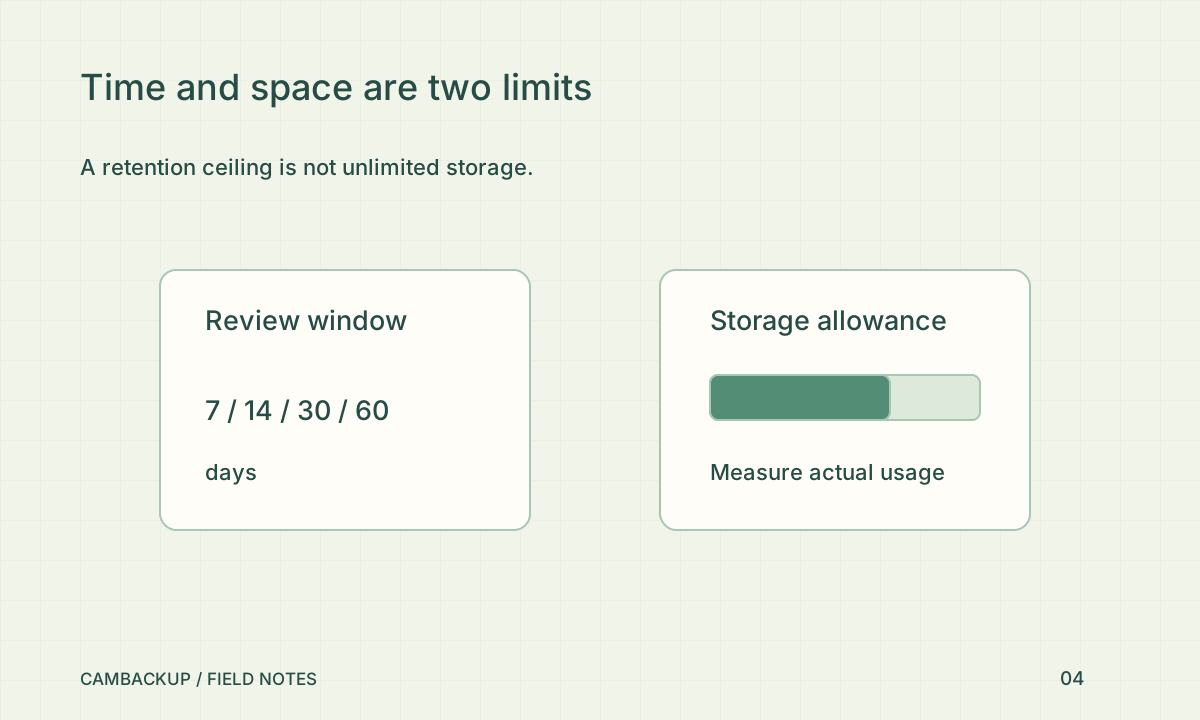
List the longest ordinary delay before someone checks the site: weekends, holidays, staff absence and periods without notifications. Add enough time to investigate and export a relevant interval. A shorter retention period can work when someone consistently reviews incidents promptly. A longer one may be appropriate when discovery is slower, but it should still have a reason. Do not select the largest number solely because the camera can produce more video.
Separate time from capacity
CamBackup’s plans combine a retention ceiling with a storage allowance and output limits. Reaching the storage allowance can constrain new recording even before the retention ceiling is reached. High activity, bitrate and extra saved media affect the result. Review measured usage rather than multiplying a headline number of days by the number of cameras and assuming the result is guaranteed. The pricing page keeps these limits together for that reason.
Check the purpose and local rules
The UK ICO’s surveillance guidance says there is no universal minimum or maximum retention period under its data-protection framework: the period should follow the purpose. That is UK guidance, not a statement of every country’s law. Businesses should document their own decision and obtain appropriate advice for their location and sector. Review the decision when the purpose, premises or people affected change.
Give important incidents a separate process
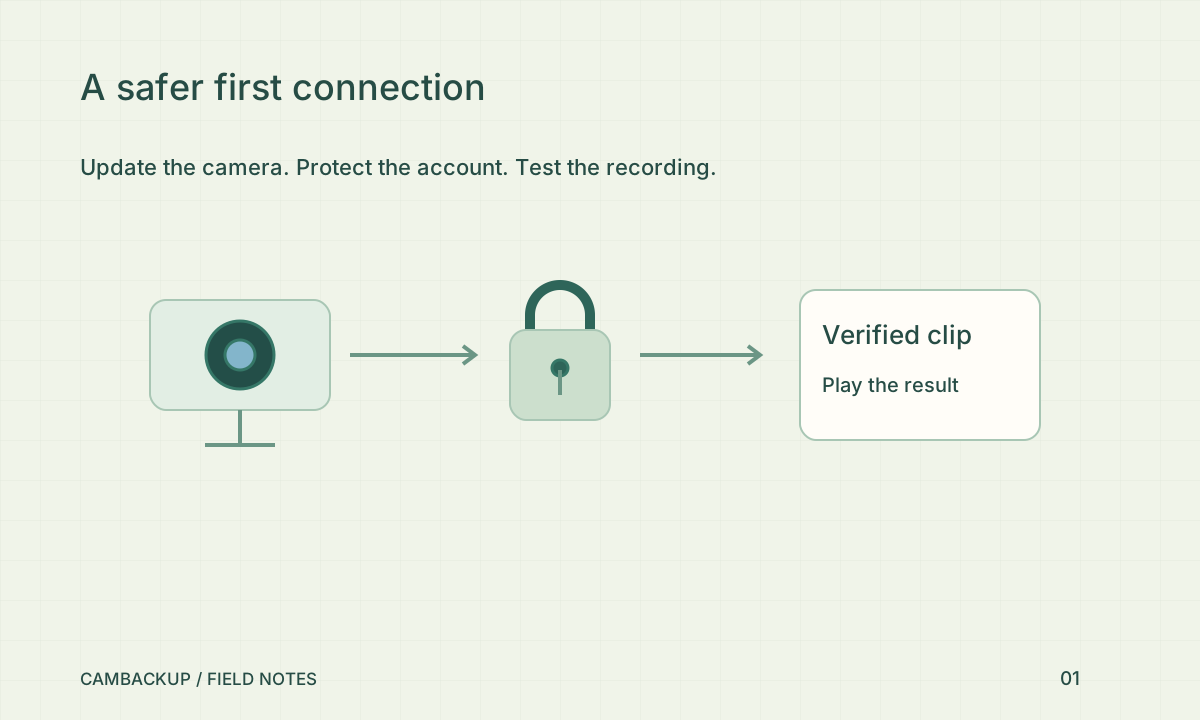
When an incident matters, export and verify it while the footage is still available. Name the file clearly and store it under your organisation’s access and deletion rules. A downloaded incident file should not become an indefinite, forgotten archive. Test a typical retrieval before you need it urgently: locate the time, create the clip, download it and play it back. Retention is useful only when someone can find the right material inside that window.
Sources & further reading
Sources reviewed . This article is part of the guide collection published together in October 2026. CamBackup workflow advice is our own; external guidance may change. Local privacy, employment and evidence rules depend on your situation.
Follow our step-by-step setup guides, check supported features and limits, or ask a setup question.