Begin with the premises
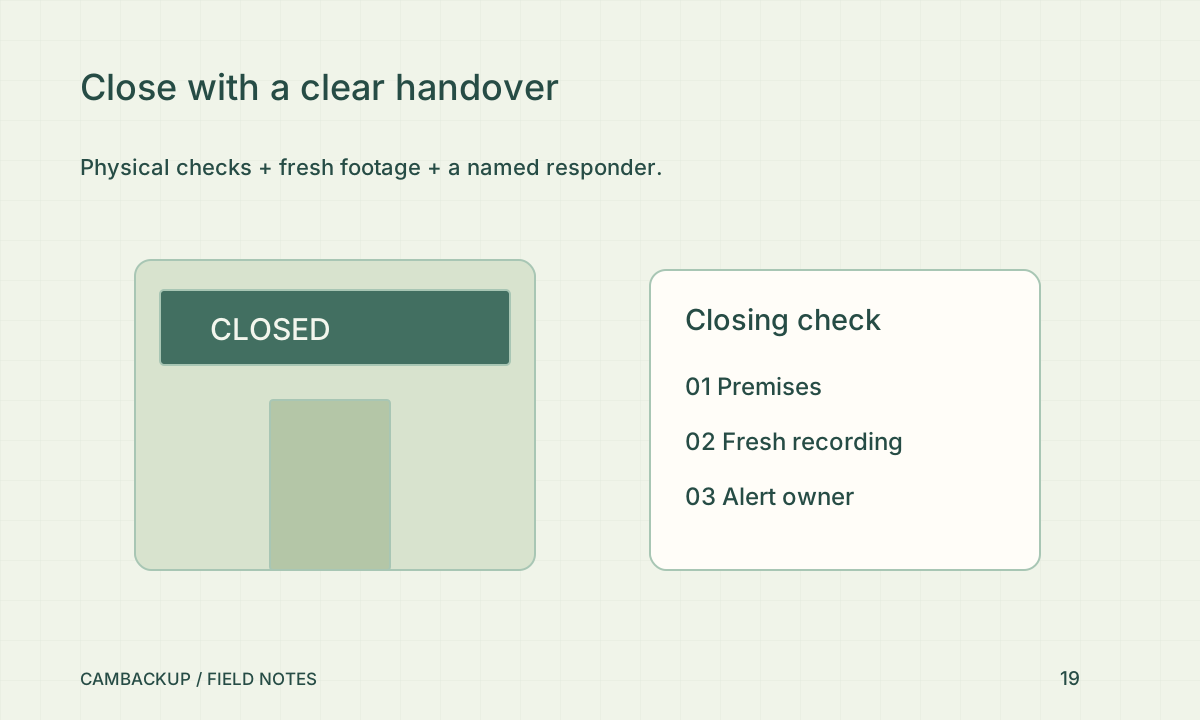
Follow the site’s established closing procedure for doors, windows, lighting and valuables. The College of Policing’s neighbourhood-crime guidance describes physical-security measures as part of situational prevention. Choose measures appropriate to the building and preserve safe escape routes. Do not ask staff to investigate a suspicious situation alone merely because a camera is available. Establish who to contact and what constitutes an emergency before the first alert arrives.
Check the views that matter overnight
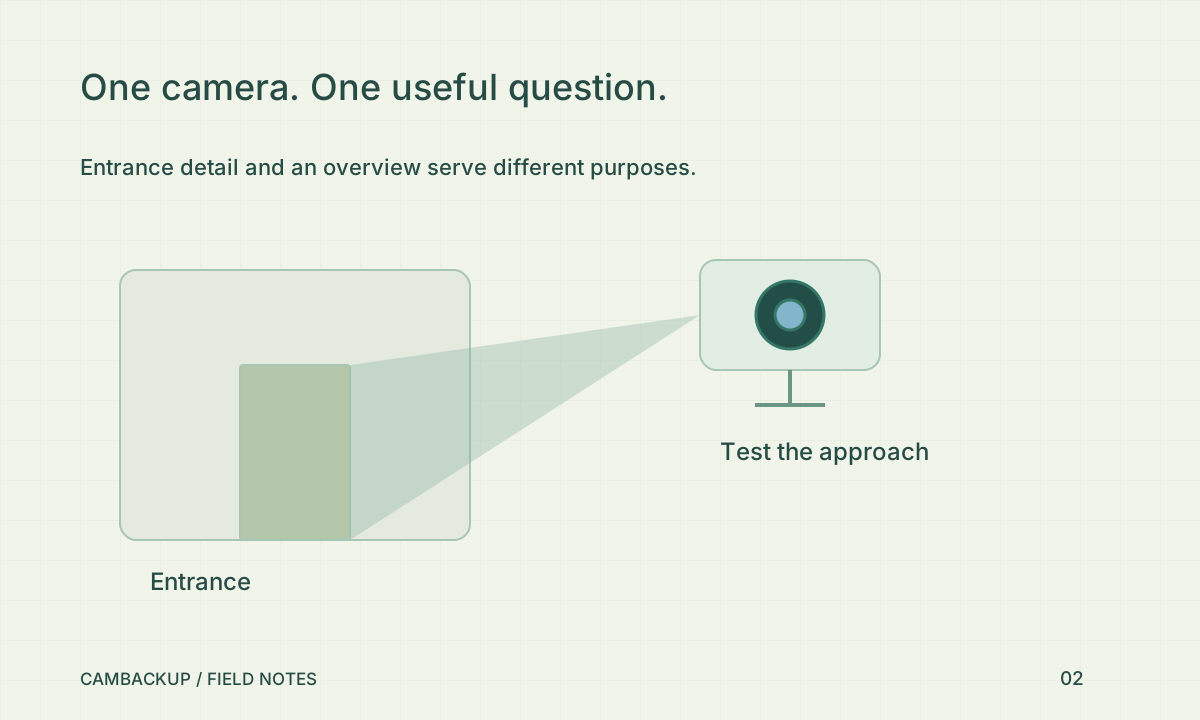
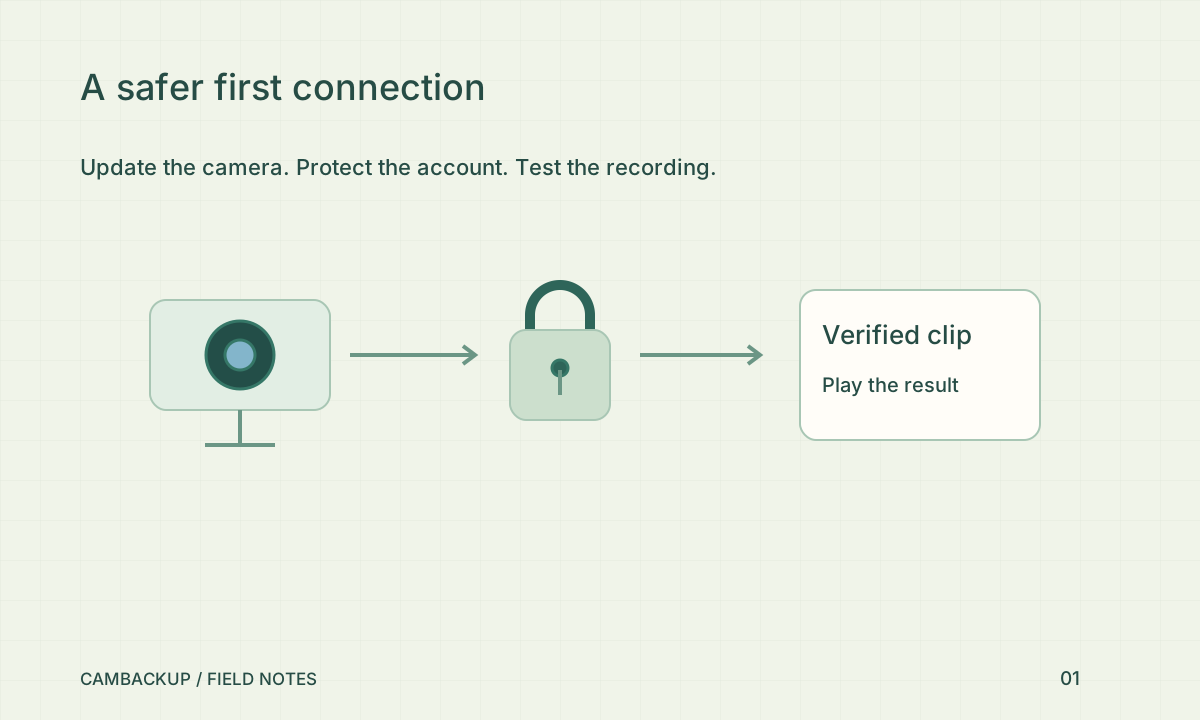
Confirm that the entrance and other intended areas have current pictures and sensible lighting. Look for a moved display, a new sign or a shutter that blocks the useful view after closing. Check that recording is requested where intended and that a fresh segment is appearing. A familiar thumbnail is not enough. If a camera is offline, record the exception and the responsible person instead of silently treating the check as complete.
Give alerts an owner
An alert is useful when somebody is authorised and prepared to act on it. Confirm the intended account’s notification preferences and the device or mailbox being checked. Avoid routing private footage or account credentials into a shared staff chat by default. Agree on a fallback if the first person is unavailable. A notification should trigger the established response process, not an improvised confrontation or an assumption that an automated system has verified a crime.
Keep the record short and useful
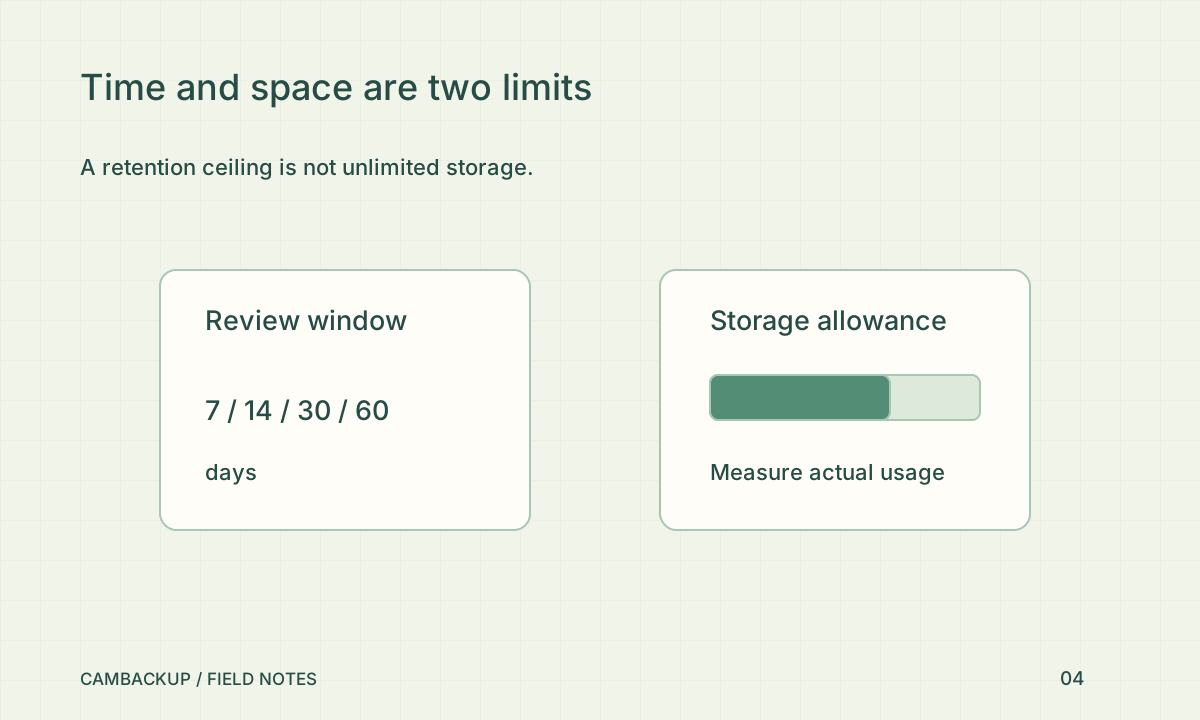
Note the closing time, checker and any unresolved issue. For a shop with an eligible API integration, a named closing event can help locate the corresponding moment in CamBackup; it still needs real recorded footage behind it. Periodically review a sample closing interval and export it to verify the retrieval process. Adjust the checklist when layout, staffing or operating hours change. The best routine is one people can perform consistently and honestly report when something fails.
Sources & further reading
Sources reviewed . This article is part of the guide collection published together in October 2026. CamBackup workflow advice is our own; external guidance may change. Local privacy, employment and evidence rules depend on your situation.
Follow our step-by-step setup guides, check supported features and limits, or ask a setup question.