Give each operation one stable identity
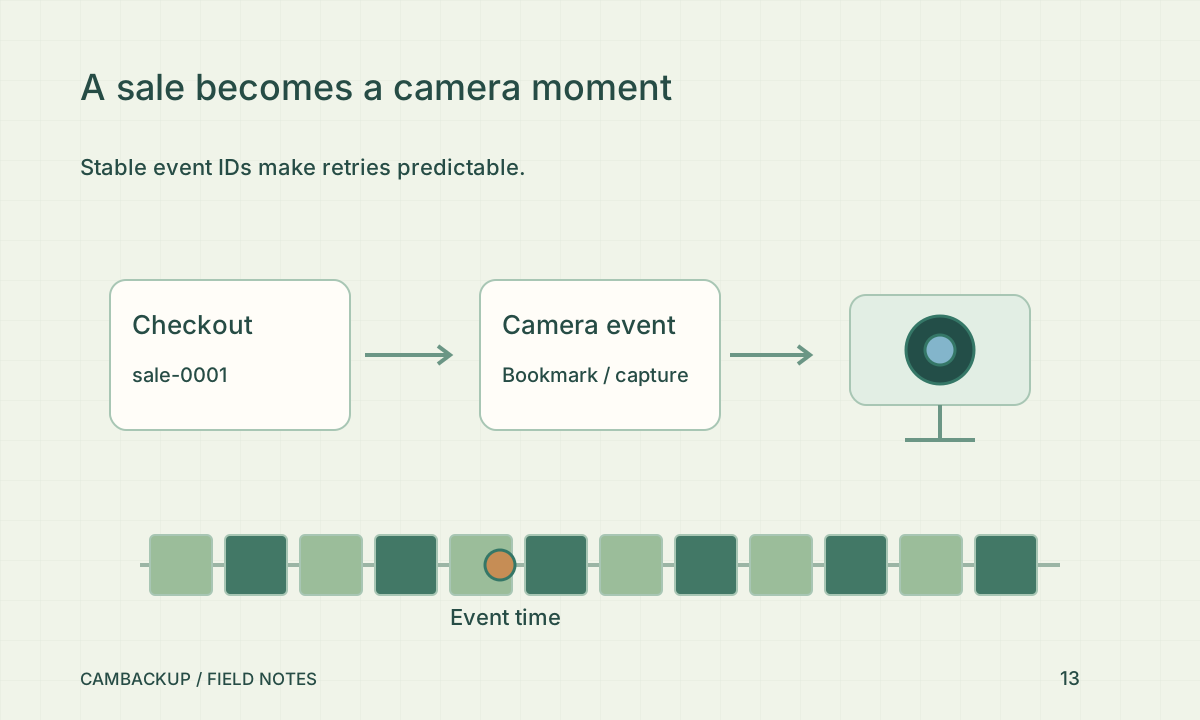
Choose an external ID that your system can reuse when retrying the same operation. Pair it with a short useful name and a duration. Avoid customer names, payment details and other unnecessary personal information in the event text. The same ID and contents return the existing event instead of creating a duplicate; the same ID with different contents is a conflict. This gives your application a clear recovery strategy when a response is lost.
Choose bookmark or future capture
Duration zero adds a bookmark. A positive duration from 1 to 3,600 seconds requests future capture, subject to recording entitlement and camera availability. The request does not create footage from before the event. If recording is already requested, the event does not extend its existing window. A queue acknowledgement describes the requested work, not proof that a playable recording exists. Check the resulting timeline when you test the integration.
Keep the credential narrow
Create a named, expiring integration key from the camera’s settings and store it on your server. This key can submit events for that camera; it cannot read video or administer the account. Never embed it in a public webpage or mobile application bundle. Developer access needs an active Power or Business camera subscription on the account, and capture also needs the target camera’s recording entitlement. Revocation remains available if the plan changes.
Test failures as normal outcomes
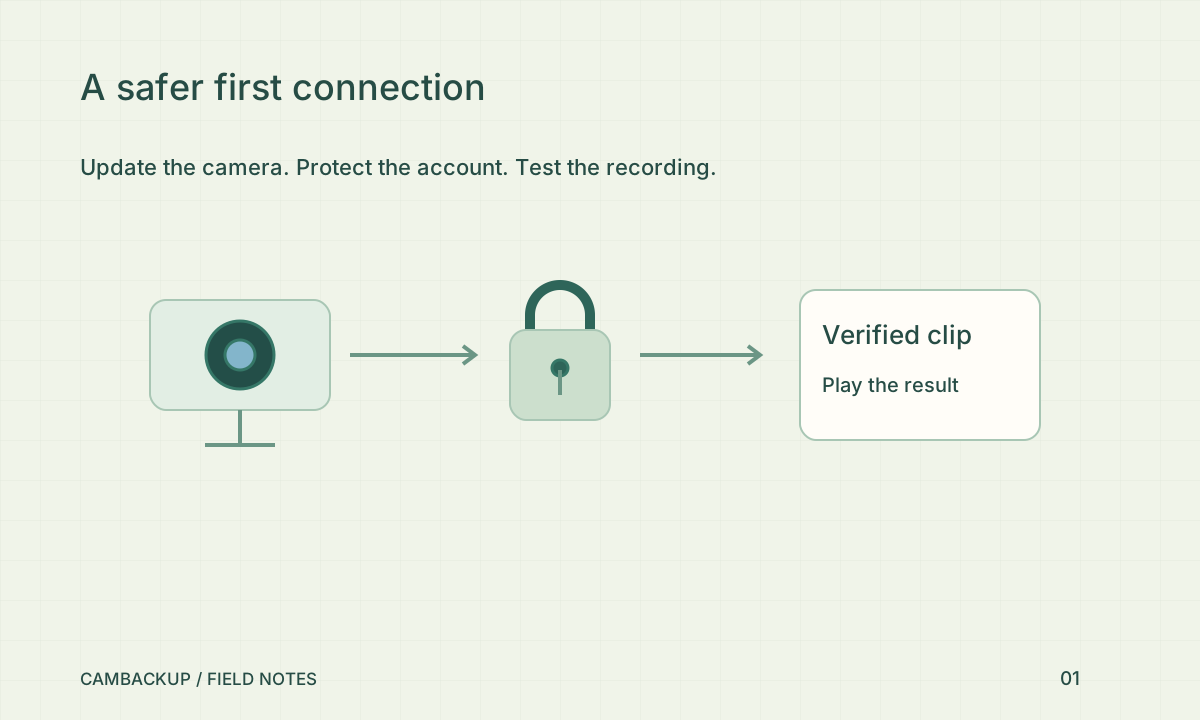
Send a bookmark first, retry it, then send a short capture to a test camera. Check duplicate handling, an invalid key, a disabled camera and the rate limit of 60 new events per camera per minute. On an uncertain network outcome, retry the same external ID instead of inventing a second event. Read the API guide for request examples and errors. Confirm that the operator can locate the event and inspect real footage without exposing your business-system credential.
Sources & further reading
Sources reviewed . This article is part of the guide collection published together in October 2026. CamBackup workflow advice is our own; external guidance may change. Local privacy, employment and evidence rules depend on your situation.
Follow our step-by-step setup guides, check supported features and limits, or ask a setup question.