Choose a suitable view
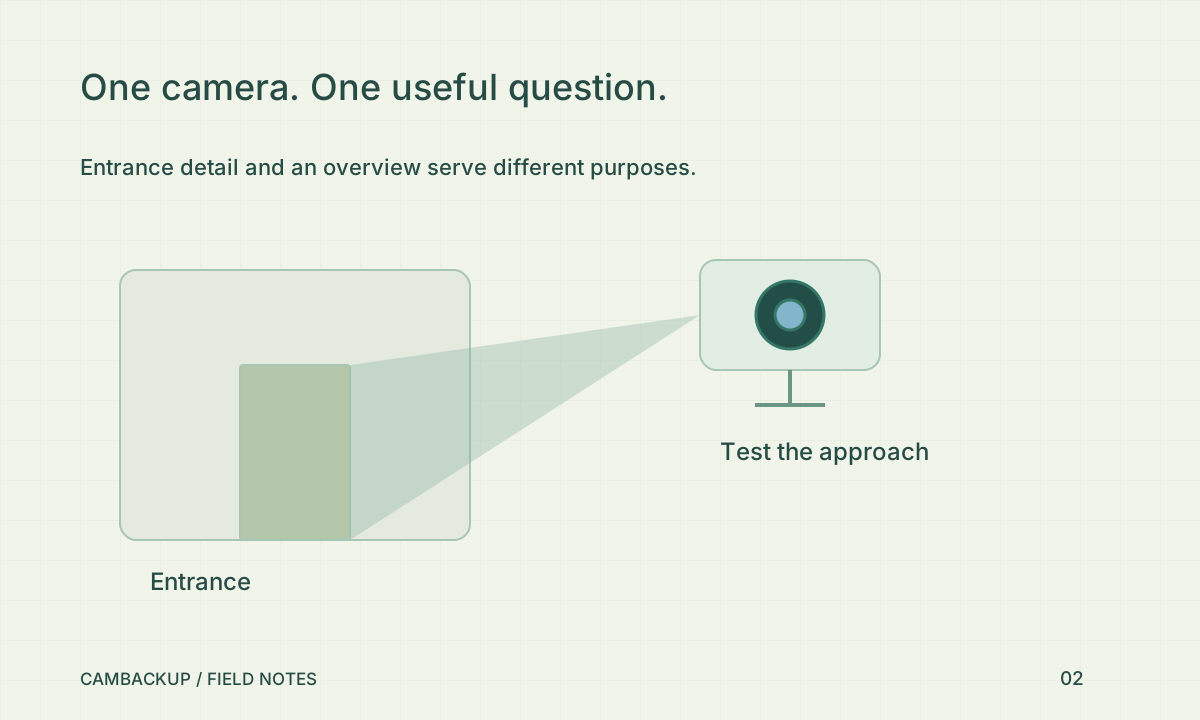
Use a camera intended for public viewing and review the entire frame, audio policy and likely people passing through it. Do not expose a private entrance simply to make an internal dashboard easier to build. Apply any required masks before new acquisition and verify the output. A visible live picture does not establish that publishing it is appropriate. Decide who is responsible for reviewing the view after a camera moves or the site changes.
Use the share capability, never a login token
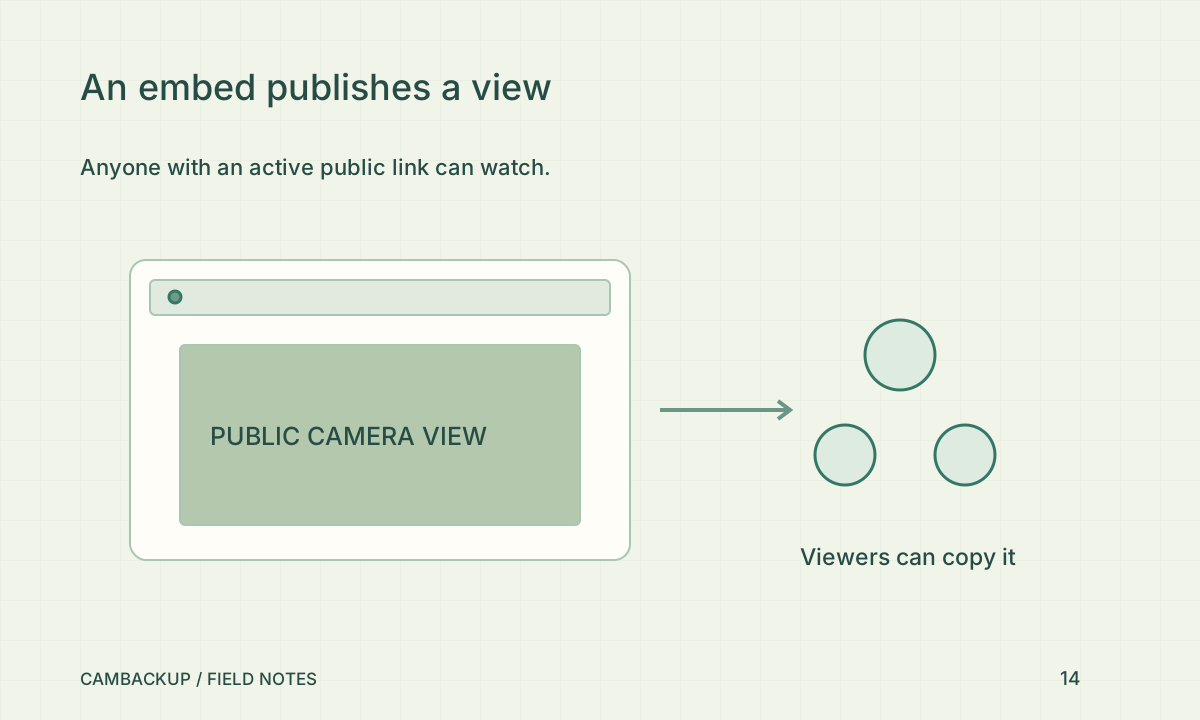
With Power or Business active on the camera, create a public stream in the app and copy its iframe code. The iframe uses a CamBackup share address. It should never contain your password, developer token or camera connection URL. OWASP’s authorization guidance emphasises least privilege and checking access at the resource boundary. A public share is a deliberately narrower capability, but viewers can still pass that capability to someone else.
Understand the stop controls
Deactivate the share to stop serving new public requests, or replace its key when the old address should no longer work. CamBackup checks the current camera, account, share and plan on public playback requests. After a downgrade, the share cannot keep serving just because an iframe remains on a page. Copies or screen recordings already made by a viewer are outside that revocation boundary. Treat the original publishing decision accordingly.
Test the host page as a visitor
Open the page in a browser session signed out of CamBackup. Check narrow-screen layout, fullscreen controls, muted autoplay behaviour and what happens when the camera is unavailable. Then disable the share and verify that both the old iframe and its direct address stop working. If the host site has a restrictive Content Security Policy, allow the CamBackup app frame explicitly rather than weakening the policy for every origin. Keep the widget guide with the site’s maintenance notes.
Sources & further reading
Sources reviewed . This article is part of the guide collection published together in October 2026. CamBackup workflow advice is our own; external guidance may change. Local privacy, employment and evidence rules depend on your situation.
Follow our step-by-step setup guides, check supported features and limits, or ask a setup question.