Separate detection from identification
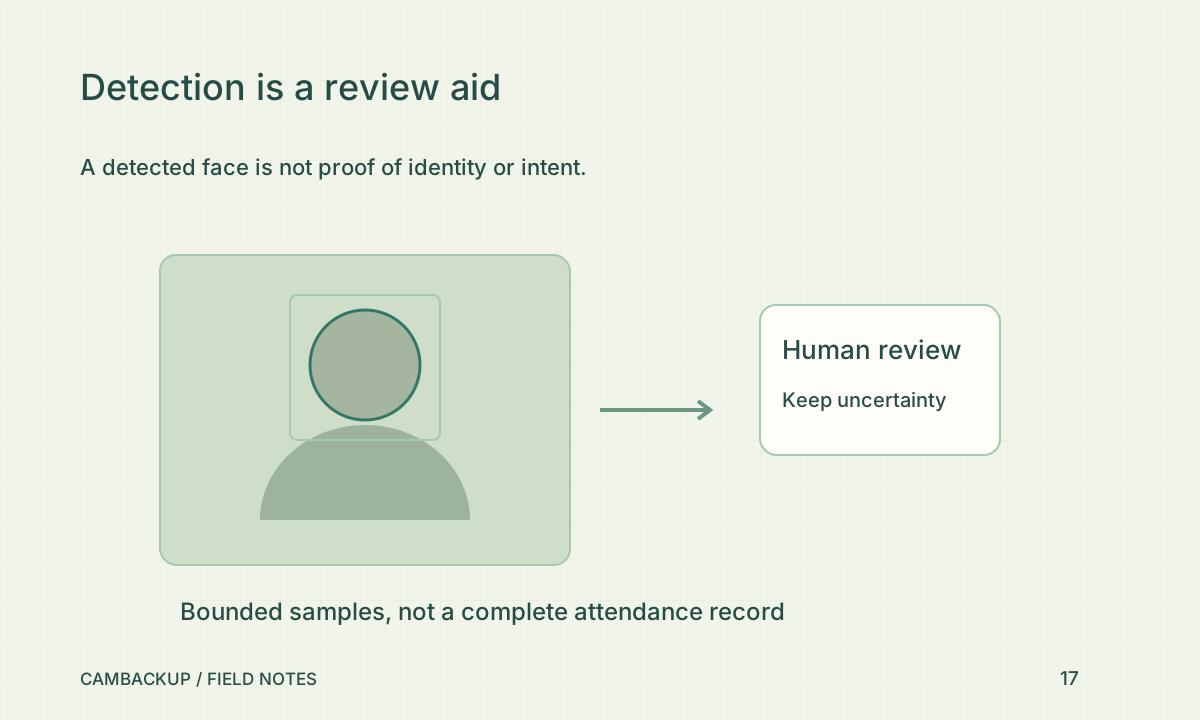
Detection looks for a face-like region in an image. Comparing biometric features to identify a person has different implications. The Dutch data-protection authority says organisational facial recognition is generally prohibited unless a legal exception applies. The ICO also distinguishes biometric recognition from an ordinary image. The actual processing and context matter. Enabling a feature in your account does not establish consent from the people being filmed or another lawful basis. Obtain advice appropriate to your location before considering identity-related monitoring.
Know what CamBackup samples
Automatic face analysis is an explicit opt-in and works on bounded samples from owned confirmed recorded segments. It is not continuous identification of every person in every frame. Missed samples, weak angles, lighting and a recording gap can all affect what is available. Review the underlying footage and timestamps rather than counting detected faces as a complete attendance or occupancy record. A lack of detections does not prove nobody passed through.
Do not turn a sample into a personnel record
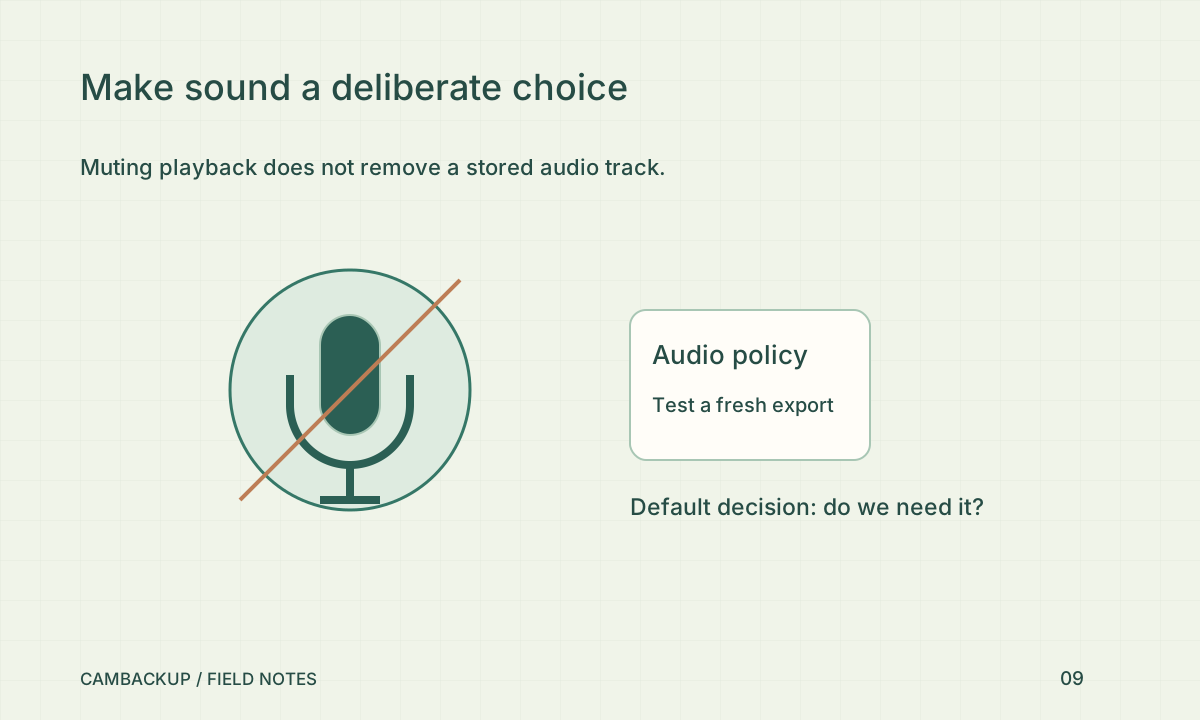
A name or a similarity result does not establish identity. Do not use face samples as an attendance register, customer list or automatic basis for accusations or access decisions. Before considering identity-related processing in a workplace or public setting, establish a lawful and necessary purpose with advice appropriate to your jurisdiction. Ordinary recording also needs an appropriate purpose and privacy controls. Keeping analysis off is a valid choice and does not prevent recording, playback or clip export.
Minimise the data you keep
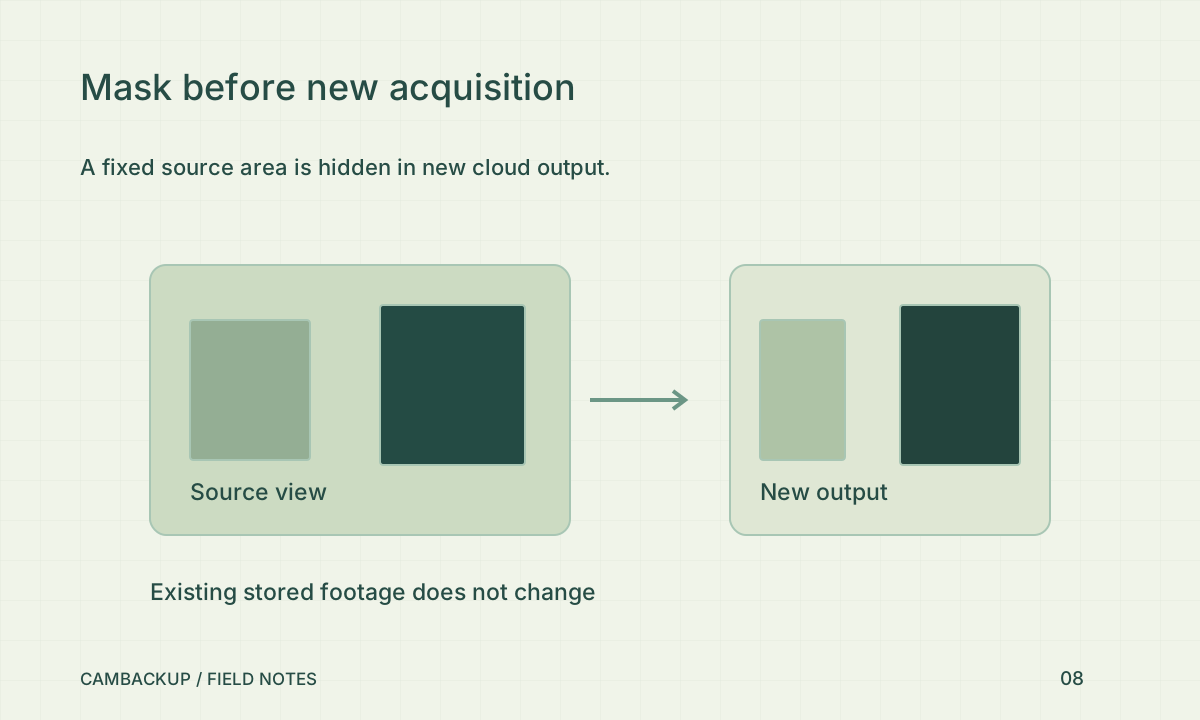
Decide whether face samples are needed for your purpose at all. Limit access, review retention and use the opt-out control when the feature is no longer justified. Check the effect of privacy masks before enabling new analysis; old samples are a separate data-management responsibility. Exporting or sharing footage can expose faces even when no analysis is enabled. Explain the actual monitoring to affected people under the requirements that apply to your location and use.
Sources & further reading
Sources reviewed . This article is part of the guide collection published together in October 2026. CamBackup workflow advice is our own; external guidance may change. Local privacy, employment and evidence rules depend on your situation.
Follow our step-by-step setup guides, check supported features and limits, or ask a setup question.