Write down the useful question
Ask what sound would contribute that the image cannot. Is there a specific operational need, or did audio simply arrive as a default setting? Consider who may speak within range, including customers, neighbours and people outside the visible frame. A microphone can collect information from a wider or less obvious area than the picture suggests. If nobody can explain why that information is needed, begin with audio disabled.
Use the recording control explicitly
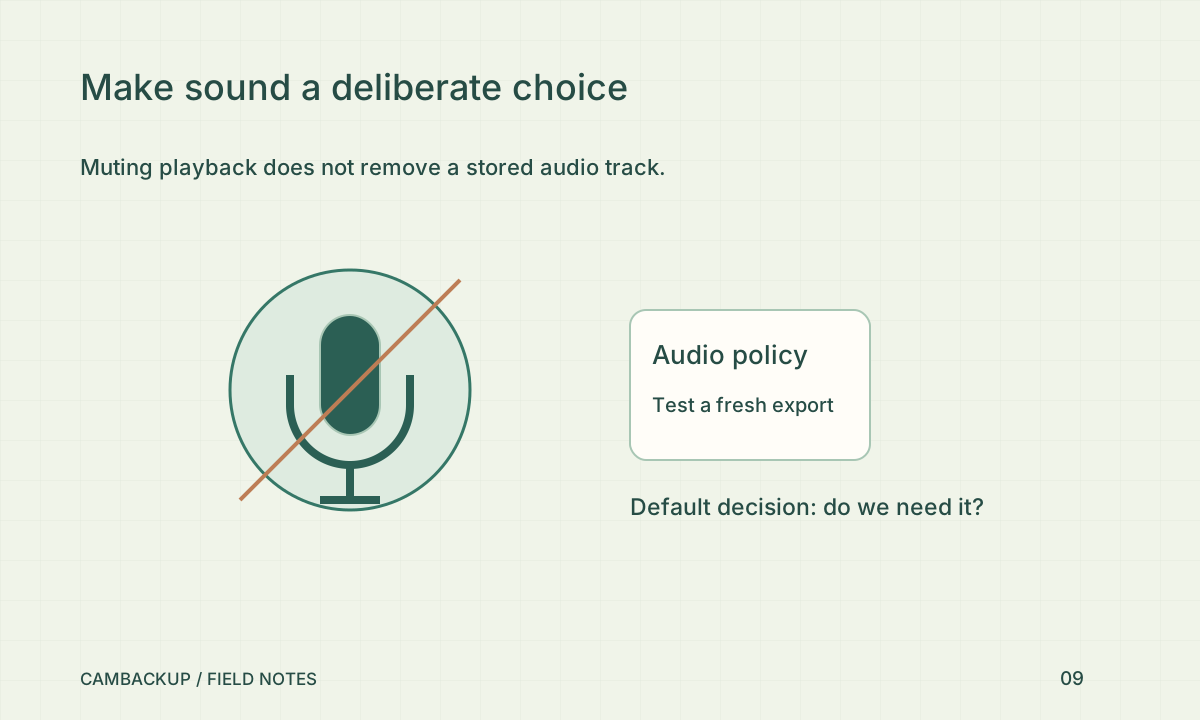
CamBackup’s capture policy includes audio behaviour for new acquisition, subject to the selected plan and supported source. Stop the camera’s active acquisition before changing the policy, save it, then create fresh test output. Listen to a newly downloaded clip rather than relying on a muted browser player: muting playback is not the same as removing the audio track from stored footage. Test snapshots and video as different output types.
Check obligations for your location
The ICO’s UK surveillance guidance treats audio as particularly intrusive and calls for a stronger justification. Rules differ between jurisdictions and situations, so a business should obtain advice suitable for its location before recording conversations. Do not assume a small sign or a checkbox alone resolves the issue. Include audio in your access, retention and incident-handling decisions rather than treating it as a harmless extra stream.
Make the decision maintainable
Record whether audio is enabled, why, who approved it and when it will be reviewed. Repeat the export test after changing camera firmware or source configuration. If the need ends, disable new audio capture and manage existing material through the normal retention process. Previously downloaded files will not change when the setting changes. Give people who use the account a simple way to recognise the intended policy so a future troubleshooting session does not silently undo it.
Sources & further reading
Sources reviewed . This article is part of the guide collection published together in October 2026. CamBackup workflow advice is our own; external guidance may change. Local privacy, employment and evidence rules depend on your situation.
Follow our step-by-step setup guides, check supported features and limits, or ask a setup question.