Choose a fixed area carefully
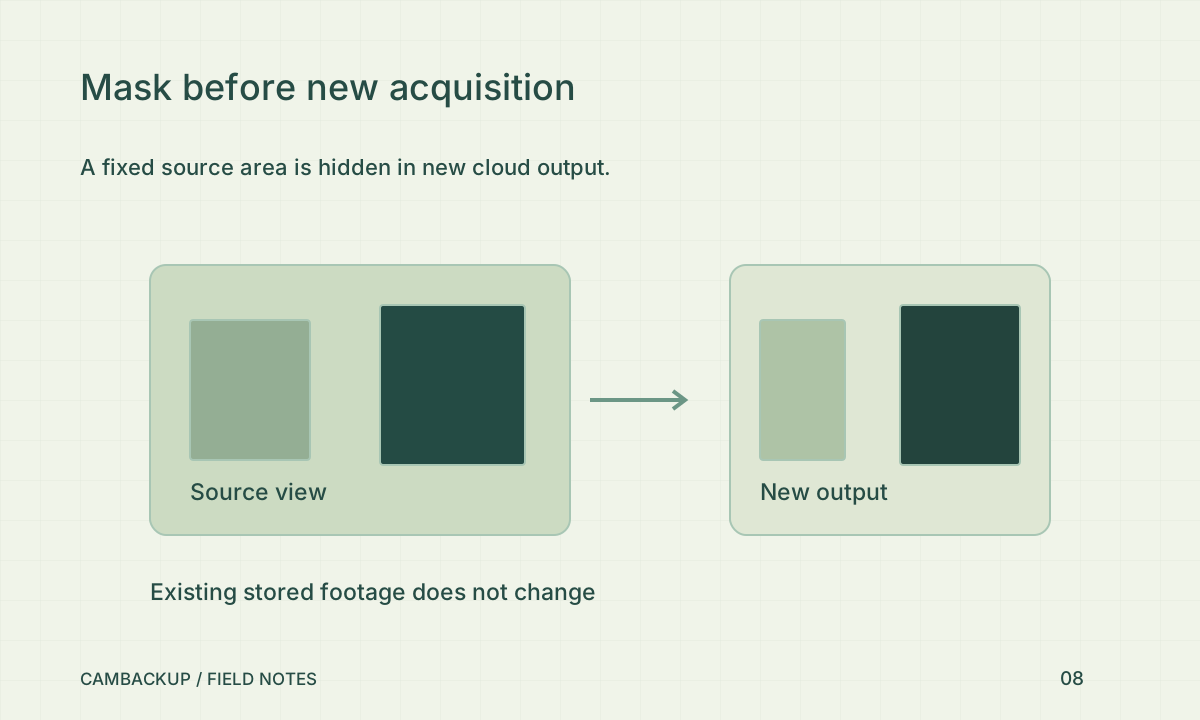
In CamBackup’s camera settings, stop acquisition before editing the capture policy. Draw the opaque source-area mask over the part of the image that should not appear in new output. Give the boundary some margin rather than cutting exactly around a window edge. Think about camera movement and any planned change of angle: a fixed mask follows source coordinates, not the real-world object. A moved camera needs another review.
Save and test every output you use
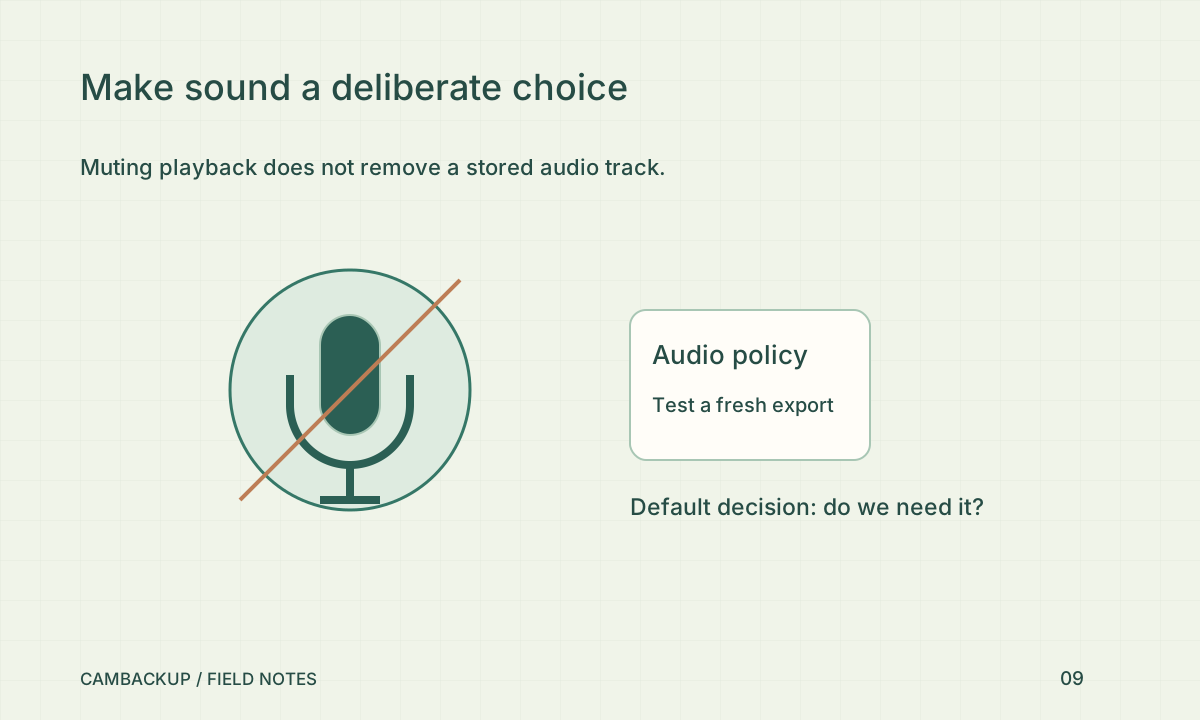
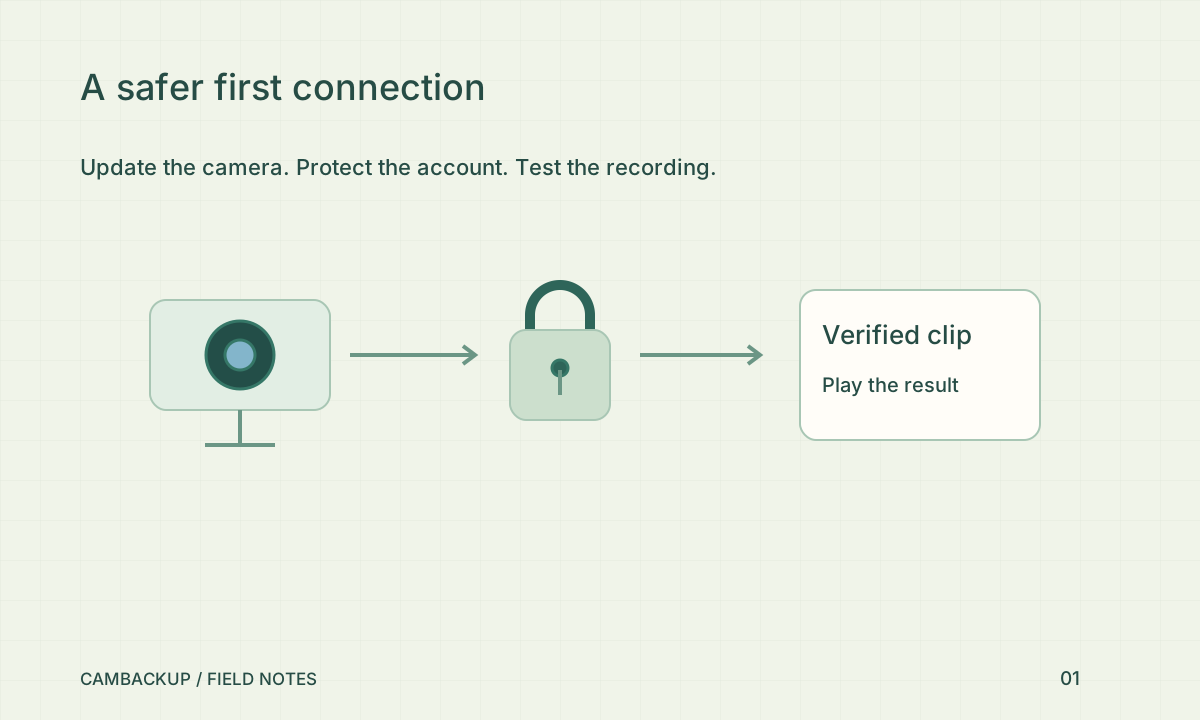
Save the unchanged policy revision, restart the acquisition you need and inspect a fresh live view. Then check a new recorded segment and a new snapshot. Download a small test export so you can see the stored result too. CamBackup applies masks to new acquisition before distributing or storing that output. A busy-policy rejection protects consistency; do not work around it by repeatedly submitting while recording is still running.
Handle existing footage separately
A new mask cannot retroactively redact a clip or segment that has already been stored or downloaded. Identify whether older material contains the unnecessary area and manage it under your retention and deletion process. Replacing a public share link stops that link from serving new requests, but cannot recover copies someone already saved. This is why the privacy decision should happen before you share a camera or invite another system to consume it.
Review the purpose as well as the pixels
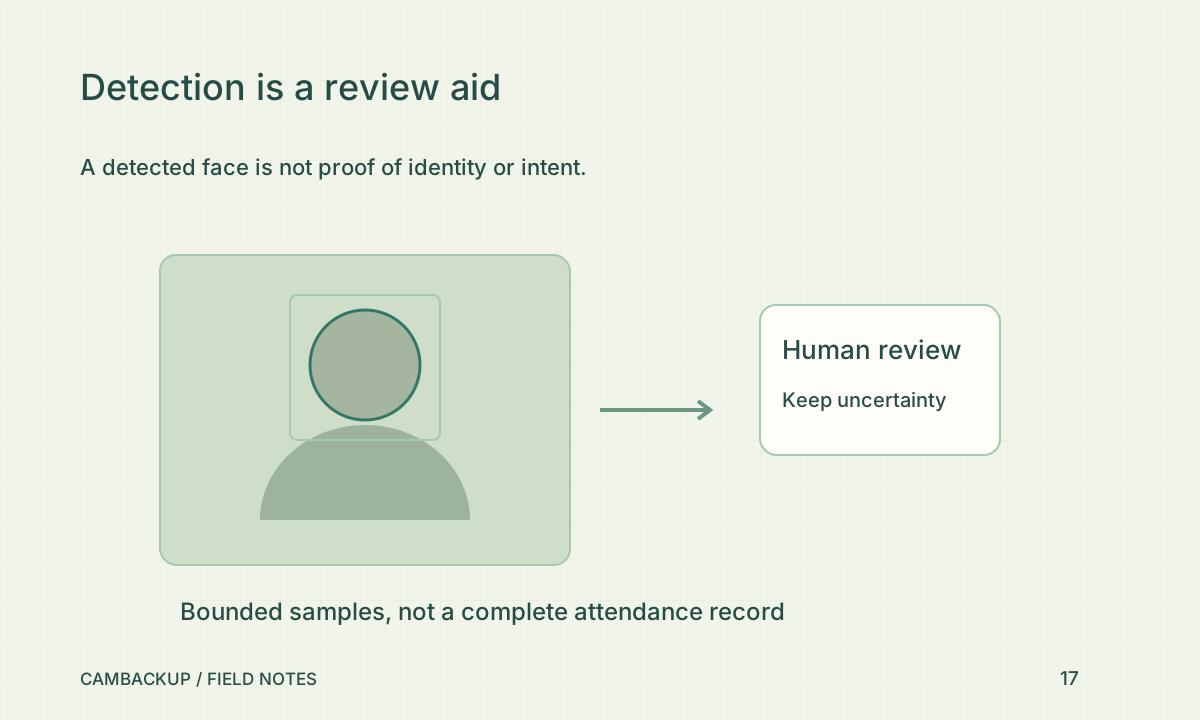
The ICO’s surveillance principles stress limiting collection to what the purpose needs. Its UK guidance is a starting point for a privacy discussion, not a universal compliance certificate. Check sight lines, audio, signage and access alongside the mask. For a business, document who reviewed the policy and when it should be checked again. A technically opaque rectangle is useful, but it cannot decide whether the remaining monitoring is appropriate for your situation.
Sources & further reading
Sources reviewed . This article is part of the guide collection published together in October 2026. CamBackup workflow advice is our own; external guidance may change. Local privacy, employment and evidence rules depend on your situation.
Follow our step-by-step setup guides, check supported features and limits, or ask a setup question.