Choose a safe test window
Tell anyone who relies on the camera that you are planning a brief interruption. Record the starting time and confirm that live viewing and a newly saved segment work first. Use a test camera where possible. Avoid interrupting a critical view during a busy or risky period. Change one thing at a time, such as disconnecting a test network link, so the result is interpretable. Do not reset the device or erase its configuration as an outage test.
Observe the return of real footage
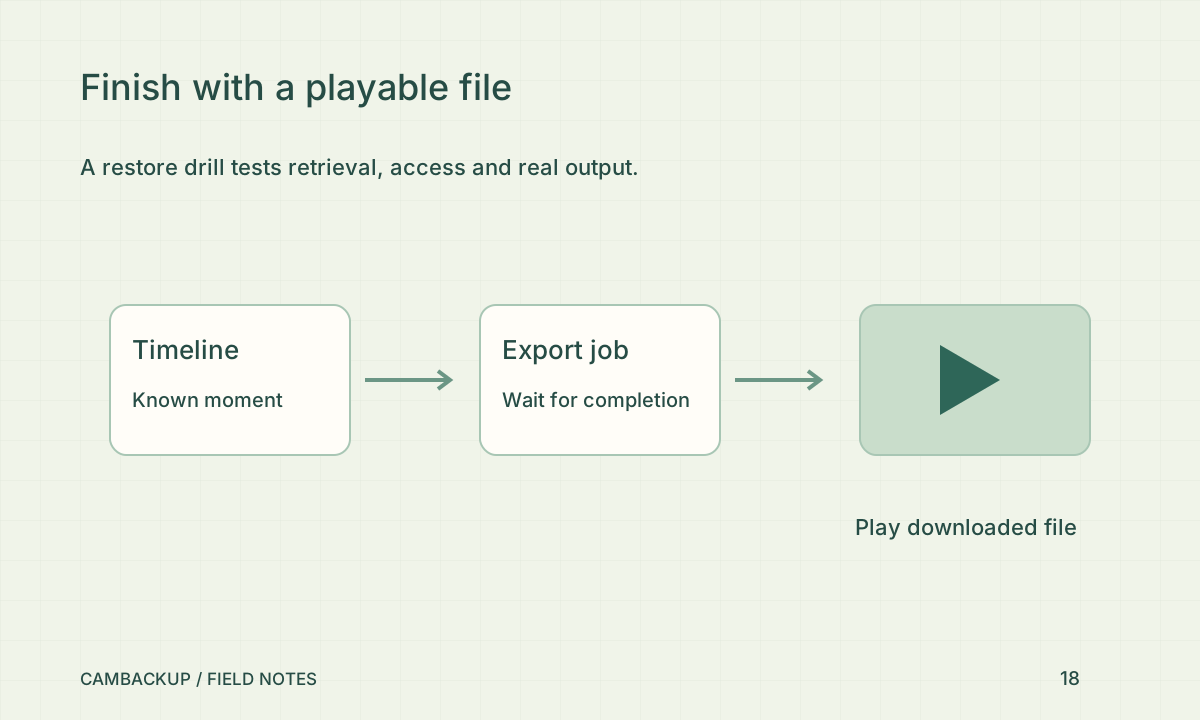
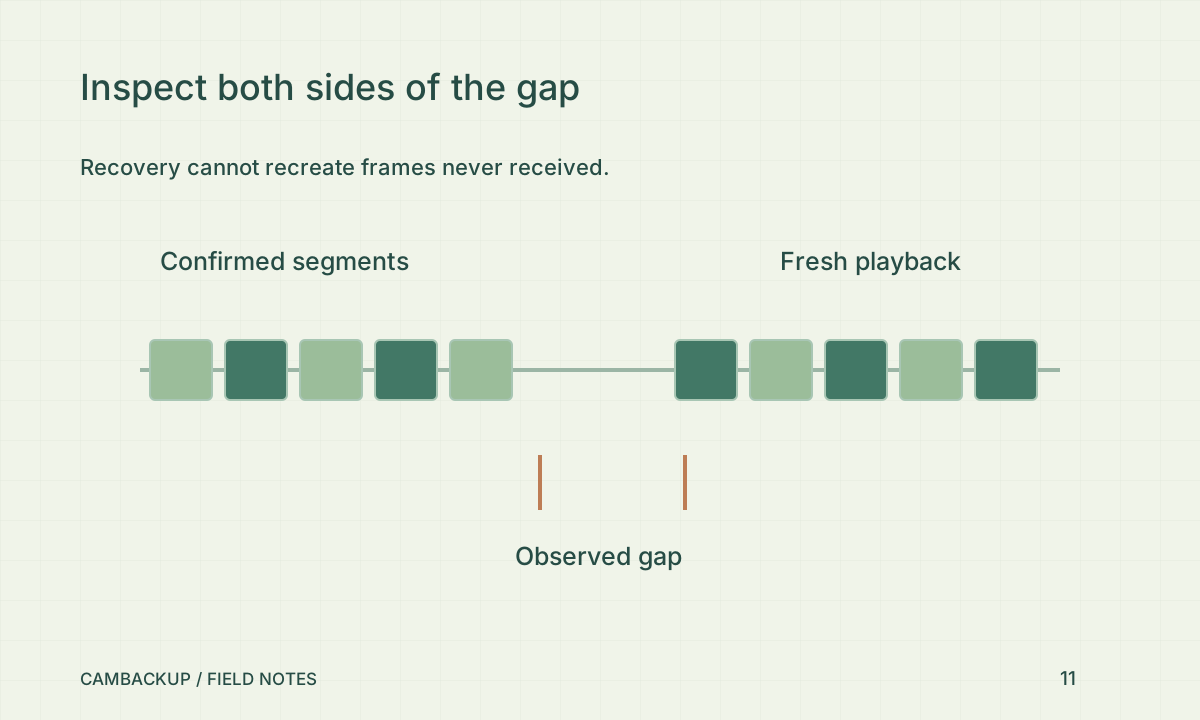
Restore the connection and watch the camera state. CamBackup’s workers use durable jobs and fenced leases to reconcile requested recording and recover work, but they cannot recover video never received. Wait for a fresh segment, open the timeline and play footage on both sides of the interruption. Note the observed gap and recovery delay. A queued job, requested recording flag or online badge alone does not demonstrate continuous saved video.
Verify the alert path separately
If you opted into connection alerts, check the actual email or enabled push device as well as the application event. Provider acceptance and a visible notification are separate results. Mobile operating systems, browser permissions and quiet modes can affect display. Record what arrived, when it arrived and which camera it referred to. Avoid using a public share to watch a private test simply because it is easy to open without signing in.
Decide how to cover offline time
A local recorder or a camera with supported edge storage can provide another copy when the internet fails; Axis describes edge storage as a separate local capability. Gateway 0.2 has explicit opt-in local recording with separate disk and retention limits. Its local clips are unmasked and do not backfill the cloud timeline. Test the local layer independently, including playback during an internet outage. Keep the drill notes and repeat after a network, worker or camera change. Describe the observed result rather than promising zero loss.
Sources & further reading
Sources reviewed . This article is part of the guide collection published together in October 2026. CamBackup workflow advice is our own; external guidance may change. Local privacy, employment and evidence rules depend on your situation.
Follow our step-by-step setup guides, check supported features and limits, or ask a setup question.