Choose a harmless test event
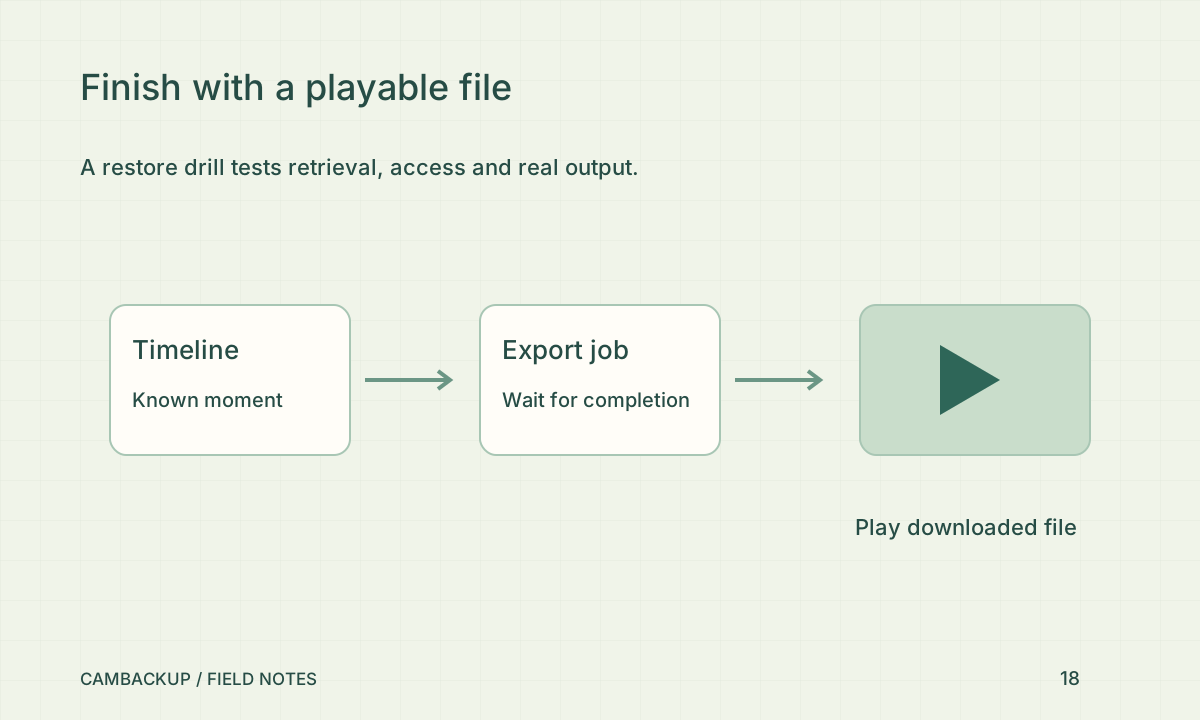
Pick a recent moment you can recognise, such as someone waving at a test camera. Note the camera and time, then find it in the recorded timeline. Avoid using a real incident or sensitive customer interaction for a routine drill. Check that the segment is confirmed and playable rather than only present as a requested recording window. Include the timezone in your notes so another person can repeat the lookup.
Retrieve independently
Create and download a short clip, then open the downloaded file outside the web player. Confirm the beginning, middle and end. The NCSC’s backup guidance recommends testing that backed-up material can be restored. Apply that principle to video by checking the actual file, not only the existence of an archive entry. Store test exports securely and remove unnecessary copies after the check. A screenshot of a successful download does not demonstrate playable contents.
Check the access dependency
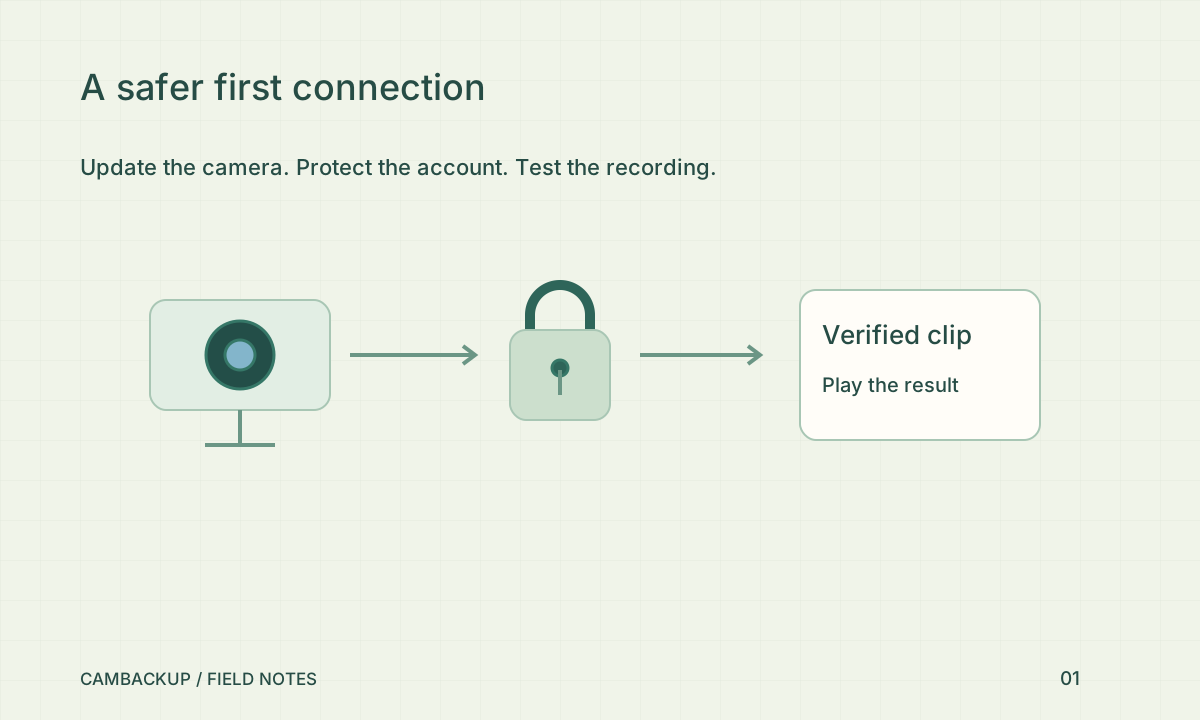
Can the responsible person sign in with MFA and reach the necessary camera? Are recovery codes available if the usual phone is missing? Does the incident process depend on a public share that should never have been created? In CamBackup, stored footage remains subject to ownership checks and does not require revealing the underlying object-storage address. Keep the retrieval instructions usable by an authorised person without putting login credentials in the document.
Understand the boundaries
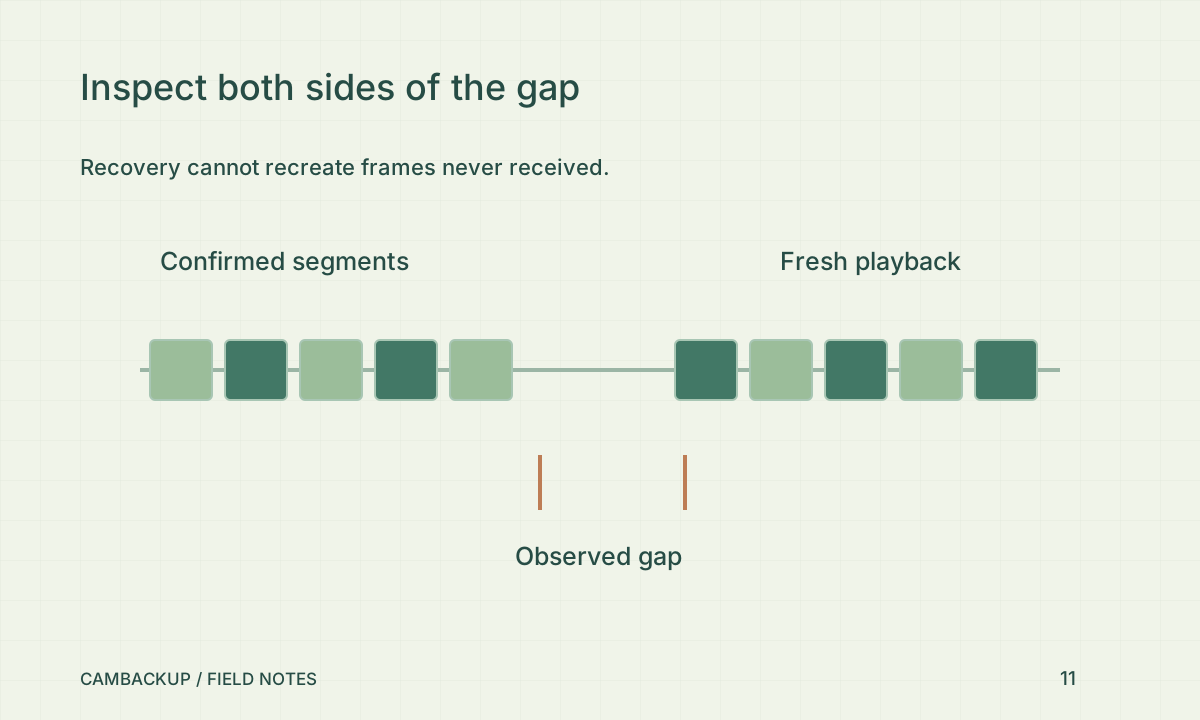
A cloud copy is not a promise of immutable storage, court acceptance or zero lost frames. An internet outage can prevent new footage from reaching the service, and an exported file can be copied or deleted elsewhere. If your risk assessment needs offline continuity or independently retained evidence, design that additional layer explicitly. Record the drill’s actual result and repeat after significant account, network or storage changes. The useful outcome is confidence grounded in a recent successful retrieval.
Sources & further reading
Sources reviewed . This article is part of the guide collection published together in October 2026. CamBackup workflow advice is our own; external guidance may change. Local privacy, employment and evidence rules depend on your situation.
Follow our step-by-step setup guides, check supported features and limits, or ask a setup question.